
Guide
Hytale Mobile Port Rumors: Fact or Fiction?
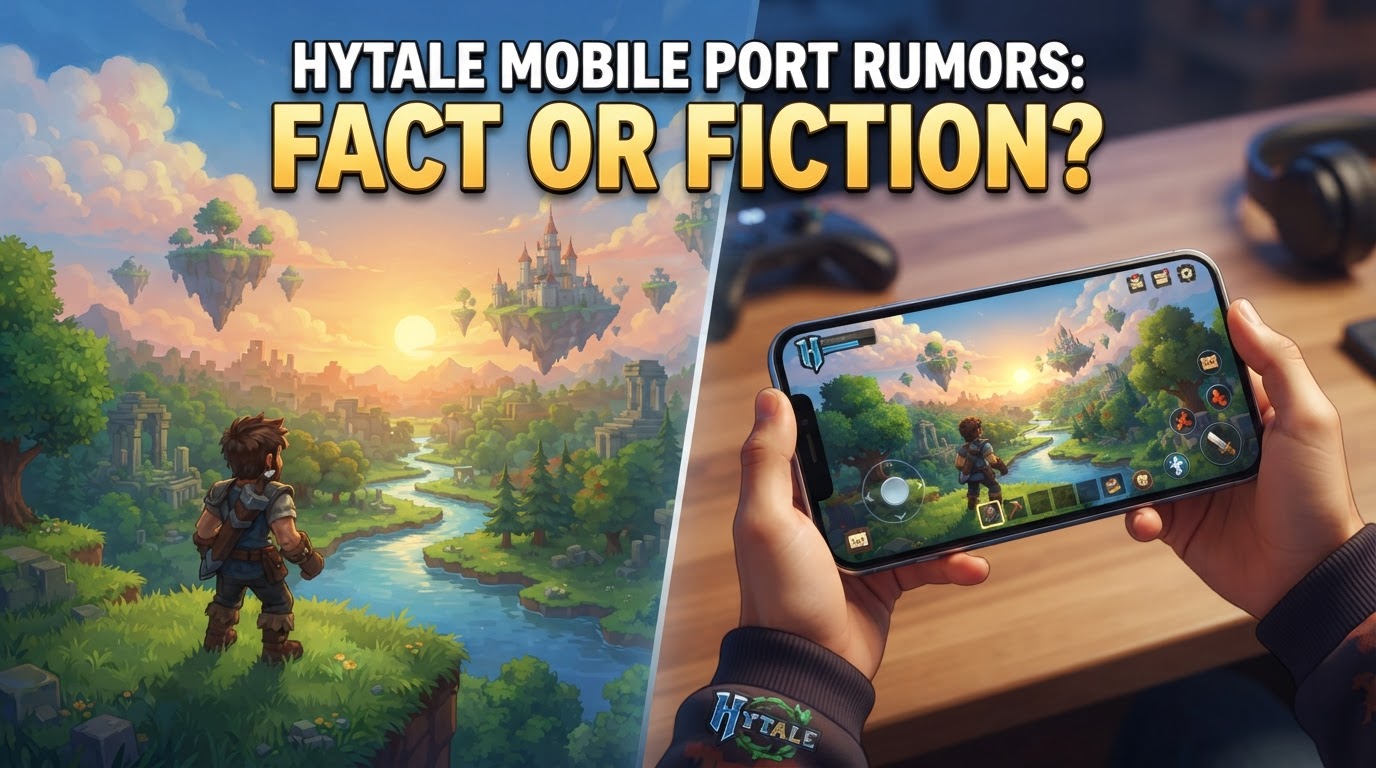
Rumors of an official Hytale mobile port are, for the foreseeable future, fiction. Hypixel Studios, the developers behind the highly anticipated sandbox RPG, have explicitly stated that there will be no mobile version during the game’s Early Access period. Their primary focus remains entirely on the PC experience.
Current Status: PC Exclusive and Long-Term Evaluation
Hytale officially entered Early Access on January 13, 2026, exclusively for PC, supporting Windows, macOS, and Linux. This strategic decision underscores Hypixel Studios’ commitment to delivering a polished and feature-rich core experience on its primary platform before considering expansion to other devices.
The developers have been transparent about their stance on mobile, indicating that they are “still evaluating what it would take to make this a feasible reality.” This statement suggests that while a mobile version isn’t entirely off the table for the distant future, it is a complex undertaking that requires significant consideration and resources. It is not a guaranteed development, nor is it a priority in the short to medium term. Industry experts and community analysts widely agree that a Hytale mobile release is highly unlikely before 2028, and could potentially be much later, if it ever materializes as a native application.
The studio’s dedication to the PC version first is rooted in ensuring stability, optimizing performance, and fully implementing the ambitious feature set that Hytale promises. Diverting resources to a mobile port at this critical stage would inevitably compromise the development timeline and quality of the core game, which is something Hypixel Studios is keen to avoid.
Why an Official Mobile Port is Complicated
Developing a native mobile version of Hytale presents a multitude of technical and design challenges that extend far beyond simply shrinking the game to fit a smaller screen. These complexities explain why Hypixel Studios is proceeding with such caution.
Performance Requirements
Hytale is designed to be a graphically rich and computationally intensive game. Its detailed voxel rendering, extensive world simulation, dynamic lighting, and complex physics demand significant processing power. The PC version, even on minimum settings, requires a capable CPU and an SSD for optimal performance. Mobile hardware, while advancing rapidly, still operates within strict power and thermal envelopes.
- Processing Power: Even high-end smartphones and tablets struggle to match the sustained performance of a dedicated desktop CPU and GPU. Hytale’s ability to generate vast, dynamic worlds and manage numerous entities concurrently would push mobile processors to their limits, leading to potential frame rate drops, overheating, and rapid battery drain.
- Memory and Storage: The game’s assets, world data, and potential for extensive modding would demand substantial RAM and storage, which are often more limited and slower on mobile devices compared to PCs.
- Optimization Overhead: Achieving acceptable performance on a diverse range of mobile chipsets (e.g., Apple A-series, Qualcomm Snapdragon, MediaTek Dimensity) would require immense optimization efforts, potentially leading to compromises in graphical fidelity or world scale.
Control Scheme Adaptation
Hytale’s core gameplay loops, including intricate building mechanics, precise combat, and detailed inventory management, are optimized for the keyboard and mouse input of a PC. Translating these complex interactions to a touchscreen interface without compromising the player experience is a significant hurdle.
- Precision and Speed: Touchscreen controls inherently lack the precision and speed of a mouse for aiming, placing blocks, or navigating menus. This could make tasks like detailed construction or fast-paced combat frustrating on mobile.
- User Interface (UI) Redesign: The game’s UI would need a complete overhaul to be touch-friendly, requiring larger buttons, simplified menus, and potentially context-sensitive controls, which could clutter the screen.
- External Controller Dependence: While Bluetooth controllers can mitigate some issues, relying on them for a “mobile port” defeats the purpose for many users expecting a native, touch-first experience.
Modding and Content Creation
A fundamental pillar of Hytale’s appeal is its robust modding tools and support for user-generated content. Implementing these features effectively on mobile platforms, with their stricter file systems and app store policies, presents considerable challenges.
- Platform Restrictions: Mobile operating systems (iOS, Android) are sandboxed, meaning apps have limited access to the device’s file system. This makes it difficult for users to easily install, manage, or create mods outside of a highly controlled, in-app marketplace.
- Distribution and Monetization: App store guidelines often have strict rules regarding external content, user-generated content, and monetization, which could clash with Hytale’s open approach to modding and its creator economy.
- Tool Compatibility: The powerful in-game tools for content creation (e.g., model editor, block editor) are designed for a PC environment with keyboard, mouse, and larger screens. Adapting these to mobile would be a massive undertaking.
Cross-Play Considerations
Should a mobile version eventually be released, developers would need to address the complexities of cross-play with the PC version, or risk fragmenting the player base.
- Balance Issues: Players using precise keyboard and mouse controls on PC would likely have a significant advantage over mobile players in competitive or skill-based scenarios, leading to an unfair experience.
- Technical Overhead: Ensuring seamless communication and synchronization between different platforms, especially given potential performance disparities, adds significant development and maintenance complexity.
- Community Fragmentation: If cross-play isn’t implemented or is poorly executed, it could lead to separate communities for PC and mobile players, diminishing the overall multiplayer experience.
“Hytale Mobile APK” and Other Unofficial Versions: Common Mistakes
Given the high anticipation for Hytale, it’s inevitable that unofficial and often malicious content will appear. Be extremely wary of any “Hytale Mobile APK” files, “Hytale for Android/iOS” advertisements, or YouTube videos claiming to offer an official or playable mobile version of Hytale.
- Fan-Made Versions: Some might be genuine, non-malicious fan projects attempting to recreate Hytale’s aesthetic or mechanics, but they are not the official game and often lack depth or stability.
- Modified or Fake Applications: The vast majority of these are scams. They might be modified versions of other games, empty applications designed to look legitimate, or even contain malware, viruses, or spyware.
- Early Concept Builds/Demos: While some early development footage or concept art might exist, these are not playable versions of Hytale and are certainly not for mobile.
There is absolutely no official Hytale mobile app available for download from any app store or website. Downloading unofficial APKs from untrusted sources poses severe security risks, including identity theft, data breaches, and damage to your device. Users encountering such advertisements or files are strongly advised to report them to the platform where they are found and to avoid downloading them at all costs.
How to “Play Hytale on Mobile” (Workaround)
The only current, reliable, and safe method to experience Hytale on a mobile device is through remote streaming from a PC. This approach leverages your computer’s hardware to run the game and then streams the video and audio to your mobile device, while sending your mobile inputs back to the PC.
Exact Steps for Remote Streaming:
- Install Hytale on PC: First, ensure you have Hytale downloaded and installed on your personal computer via its official launcher. The game must be fully functional on your PC.
- Install Remote Play App: Choose and install a reputable remote play application on both your PC and your mobile device. Popular and reliable options include:
- Steam Link: Ideal if you primarily use Steam for your PC games.
- Parsec: Known for its low-latency streaming and robust feature set, often favored by gamers.
- Moonlight: Requires an NVIDIA graphics card on your PC but offers excellent performance.
- TeamViewer/AnyDesk: More general-purpose remote desktop tools, but can work for streaming games with slightly higher latency.
- Ensure Network Connection: For the absolute best performance and minimal latency, ensure both your PC and your mobile device are connected to the same strong, stable Wi-Fi network. A wired Ethernet connection for your PC is highly recommended.
- Connect Devices: Follow the instructions within your chosen remote play app to establish a connection between your mobile device (phone or tablet) and your computer. This usually involves entering a PIN or selecting your PC from a list.
- Launch Hytale: Once connected, you can typically launch Hytale directly from the remote play app on your mobile device, or manually start it on your PC.
- Stream and Control: The game’s display will stream in real-time to your phone or tablet. You can then control Hytale using the remote play app’s on-screen touchscreen inputs, or by connecting a Bluetooth controller to your mobile device for a more traditional gaming experience.
Tips for Remote Streaming:
- Network Stability is Key: A strong and stable internet connection (especially Wi-Fi 5GHz or Wi-Fi 6) is absolutely crucial to prevent lag, stuttering, and disconnections. Playing over a cellular data connection is generally not recommended due to latency and data usage.
- PC Performance Matters: Remember, the game is running on your computer, not natively on your phone. The quality of your streaming experience will directly depend on your PC’s hardware capabilities and its ability to run Hytale smoothly.
- Adjust Stream Settings: Most remote play apps allow you to adjust resolution, bitrate, and frame rate. Experiment with these settings to find a balance between visual quality and performance that suits your network and devices.
- Consider a Bluetooth Controller: For a game like Hytale with complex controls, a physical Bluetooth controller paired with your mobile device will provide a far superior experience compared to touchscreen controls.
While remote streaming isn’t a native mobile port, it offers a legitimate way to enjoy Hytale on your mobile device from anywhere within your home network, or even remotely with a strong internet connection, without falling prey to scams.