
Guide
How to Get More Inventory Space in Hytale
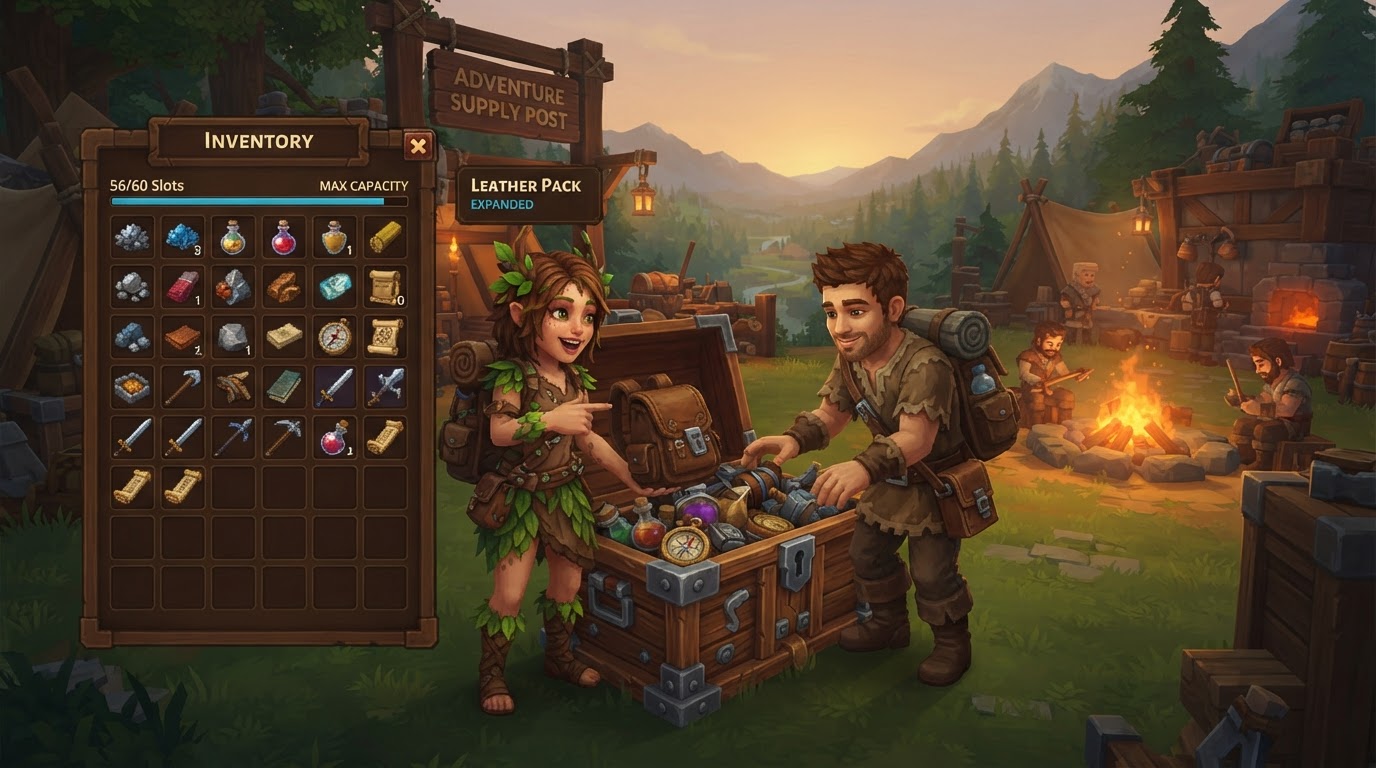
Expanding your inventory space in Hytale is primarily achieved through a dedicated backpack system that permanently adds storage tabs to your character, complemented by static storage solutions like chests. This guide will walk you through each method, ensuring you can carry more of your valuable resources and gear as you explore Orbis.
The Hytale Backpack System: Your Portable Storage Expansion
Unlike simply adding more slots to your main inventory, Hytale’s backpack system introduces entirely new, dedicated tabs within your inventory interface. Once crafted and “consumed,” these backpack upgrades are permanent additions to your character and are not lost upon death, making them a crucial investment for any adventurer.
Step-by-Step: Unlocking Your Basic Backpack
The journey to increased carrying capacity begins with your first backpack. This initial upgrade provides a significant boost to your personal inventory.
- Upgrade Your Workbench: To craft the basic backpack, you’ll need access to the appropriate crafting station. While older information suggested a Tier 2 Workbench, recent updates indicate that a Level 1 Workbench is now sufficient. A Level 1 Workbench is a fundamental crafting station, typically requiring just 4x Wood Logs and 3x Stones to construct.
- Craft the “Unlock Backpack” Item: Once you have the necessary workbench, interact with it and navigate to the “Tinkering” tab. Here, you will find the recipe for the “Unlock Backpack” item. You will need to gather:
- 8x Iron Ingots
- 8x Medium Leather (Note: Some earlier recipes required 16x Medium Leather, but this cost has been reduced in more recent updates.)
Craft this item, which will appear in your inventory as a special scroll or paper-like object.
- Activate the Backpack: This is a crucial step often overlooked. Simply crafting the item is not enough. Place the “Unlock Backpack” item into your hotbar. Then, while it’s selected, right-click to “consume” it. This action permanently unlocks your first set of additional inventory slots – typically 9 new slots – accessible via a new backpack tab in your inventory screen.
Step-by-Step: Upgrading to Backpack Upgrade I
Once you’ve secured your basic backpack, the next step significantly expands your capacity, allowing you to carry even more on your adventures.
- Further Workbench Upgrade: To craft Backpack Upgrade I, you will generally need a higher-tier workbench. This upgrade typically requires a Level 2 Workbench. (Older guides might refer to this as a Tier 3 workbench, but the functionality remains the same: a more advanced crafting station.) Ensure your workbench is upgraded to this level before proceeding.
- Craft Backpack Upgrade I: Return to your upgraded workbench and locate the recipe for “Backpack Upgrade I” in the “Tinkering” tab. For this upgrade, you will need to gather more advanced materials:
- 8x Cobalt Ingots
- 24x Heavy Leather
- 40x Cindercloth Scraps
Craft this item, which will again appear as a consumable scroll.
- Consume the Upgrade: Just like with the basic backpack, place the “Backpack Upgrade I” item into your hotbar and right-click to consume it. This action will permanently add more inventory slots to your backpack system. This upgrade typically adds around 10 to 18 additional slots, significantly increasing your total portable storage.
Step-by-Step: Upgrading to Backpack Upgrade II (Maximum Capacity)
The final backpack upgrade offers the largest single expansion to your personal inventory, pushing your carrying capacity to its maximum potential. This upgrade is tied into Hytale’s lore and progression system.
- Unlock via Memories: The recipe for Backpack Upgrade II is not immediately available. You must first unlock it by engaging with the game’s “Memories” system. Specifically, you need to restore 100 Memories at the Forgotten Temple. This process involves exploration and interaction with specific game elements, rewarding dedicated players with access to this powerful upgrade.
- Craft Backpack Upgrade II: Once the recipe is unlocked, head to your highest-tier workbench. You will need to gather some of the most potent materials found in Orbis:
- 1x Voidheart
- 8x Adamantite Ingots
- 16x Storm Leather
Craft the “Backpack Upgrade II” item.
- Consume the Upgrade: As with previous upgrades, place the crafted item in your hotbar and right-click to consume it. This final upgrade provides a substantial 27 additional inventory slots, bringing your total personal carrying capacity to its maximum, allowing you to venture further and collect more without constant trips back to base.
Utilizing Static Storage: Chests and Workbench Linking
While backpacks are essential for on-the-go storage, static storage solutions like chests are equally vital for managing your ever-growing collection of items at your base or outposts.
- Crafting and Placing Chests: Chests are among the first storage items you’ll be able to craft. A basic Wooden Chest, for example, can be crafted at a simple workbench using materials like 3x Hardwood Planks and 1x Iron Ingot. Place these chests in your base to store items you don’t need to carry constantly.
- Double Chests: For even more storage in a single location, place two identical chests directly adjacent to each other. They will automatically combine into a larger, double-sized chest, effectively doubling their storage capacity.
- Workbench Inventory Linking: Hytale features a highly convenient system where crafting stations can automatically pull materials from nearby chests. This means you don’t have to manually transfer every ingredient to your personal inventory before crafting. As of recent updates, workbenches can typically access items from chests within a radius of 14 horizontal blocks and 6 vertical blocks. Strategically placing your chests around your primary crafting area will significantly streamline your crafting process.
Tips for Efficient Inventory Management
Maximizing your inventory space isn’t just about unlocking more slots; it’s also about smart management.
- Collect Everything Early: In Hytale, almost every resource has a use. Begin gathering all types of materials from the moment you start your adventure. You’ll quickly find that inventory space becomes a precious commodity.
- Regularly Use Static Storage: Make it a habit to offload items you’re not actively using into chests at your base. This keeps your personal inventory clear for new discoveries and essential tools.
- Organize Your Chests: A well-organized storage system saves immense time and frustration. Designate specific chests for specific item types (e.g., one for ores, one for wood, one for mob drops, one for food). Labeling chests, if available in-game, can further enhance organization.
- Leverage Workbench Linking: Design your base with crafting efficiency in mind. Place your most frequently used crafting stations centrally, surrounded by chests filled with common crafting materials. This allows you to craft complex items without ever needing to touch the raw ingredients in your inventory.
- Consider Community Mods: Once Hytale’s modding tools are fully released, the community is likely to develop advanced storage management solutions. Keep an eye out for mods like “Automatic Storage,” “Easy Storage Network,” or “Organizer Core,” which could offer automated sorting, centralized access, and other quality-of-life improvements for your storage system.
Common Mistakes to Avoid
Even experienced players can make simple mistakes that hinder efficient inventory management.
- Forgetting to “Consume” Backpack Items: Crafting the “Unlock Backpack” or “Backpack Upgrade” items is only half the battle. You must remember to place them in your hotbar and right-click to activate them, permanently adding the new slots.
- Ignoring Static Storage: Relying solely on your personal inventory, even with all backpack upgrades, will quickly lead to being overburdened. Utilize chests extensively to store bulk resources and items you don’t need on hand.
- Hoarding Unnecessary Items in Personal Inventory: While collecting everything is good, carrying every single item with you is not. Frequently ask yourself if you genuinely need an item in your personal inventory for your current task, or if it can be safely stored at your base.
- Misunderstanding Backpack Functionality: Remember that the backpack system adds a separate tab to your inventory interface, rather than simply extending the existing grid. Familiarize yourself with how to switch between your main inventory and backpack tabs for quick access.
By following these steps and tips, you’ll master inventory management in Hytale, ensuring you’re always prepared for whatever Orbis throws your way.