
Guide
Hytale Login Queue Issues: What to Do
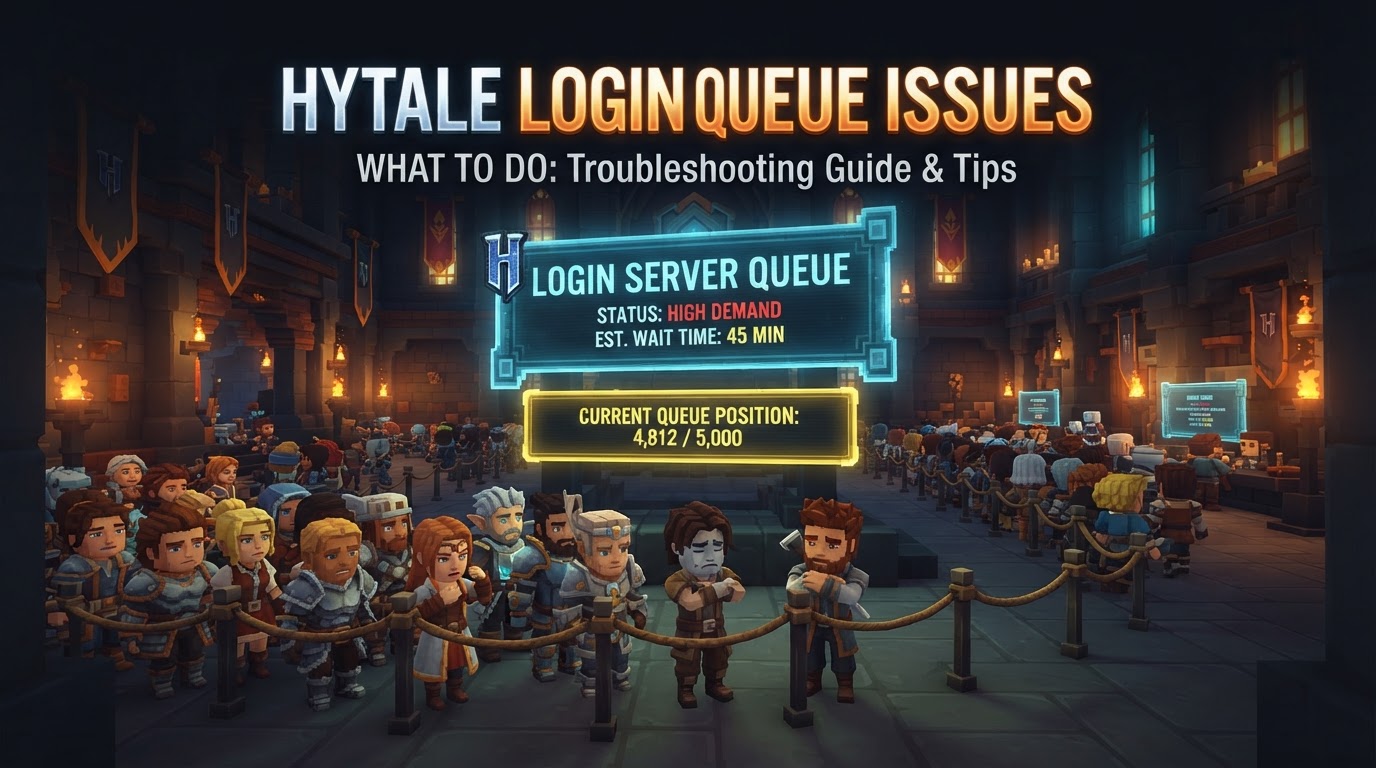
Hytale’s highly anticipated Early Access launch on January 13, 2026, brought with it an immense wave of player interest, leading to significant login queue challenges. Hypixel Studios, the developers, had proactively warned players to expect server congestion and potential login delays, anticipating an estimated one million players attempting to access the game on launch day. Navigating these queues and resolving related login issues requires patience, proactive measures, and a systematic approach. This guide will walk you through understanding and overcoming Hytale login queue problems.
Understanding Hytale’s Login Queues
When millions of players attempt to access a game simultaneously, a robust queue system is essential to manage server load and prevent crashes. Hytale employs such a system to ensure server stability. While the exact internal mechanics, such as visual indicators of queue position or estimated wait times, haven’t been fully detailed, the core function remains: to regulate player access during peak demand. This means that if you encounter a login queue, the system is working as intended to protect the servers from being overwhelmed.
Immediate Steps When Facing a Queue or Login Issue
Check Official Channels for Server Status
Your first step when encountering any login difficulty should always be to consult Hytale’s official communication channels. During high-traffic periods, Hypixel Studios frequently posts real-time updates on server status, known issues, and estimated resolutions.
- Monitor Official Social Media: Follow Hytale’s official Twitter, Facebook, or other announced social media platforms.
- Check Official Announcements: Look for news posts or dedicated server status pages on the official Hytale website.
- Community Forums: While not official, community forums like Reddit (e.g.,
r/hytale) can often provide immediate, crowd-sourced information on widespread issues and potential workarounds.
Basic Connectivity Troubleshooting
If you’re unable to connect, stuck in a login loop, or experiencing general connectivity problems, these fundamental steps can often resolve underlying network or client-side glitches.
- Restart Hytale Completely: Close the Hytale launcher and the game client entirely. Wait a few moments, then reopen them. This can clear temporary software conflicts.
- Verify Internet Connection: Ensure your internet connection is stable and working correctly. Try accessing other online services or websites to confirm.
- Sync Your System Clock: An out-of-sync system clock can sometimes interfere with secure connections and authentication.
- Right-click the clock in your taskbar.
- Select “Adjust date/time.”
- Toggle “Set time automatically” off and then on again, or click “Sync now” under “Synchronize your clock.”
- Restart Your Router: Power cycling your router can resolve many common network issues by refreshing your internet connection.
- Unplug your router from its power source.
- Wait for at least 30 seconds.
- Plug it back in and wait for it to fully restart (usually indicated by stable lights).
- Try an “Offline-Start” Workaround: Some users have found success with this method for persistent connection issues.
- Disconnect your computer from the internet (e.g., turn off Wi-Fi or unplug Ethernet).
- Launch the Hytale launcher and attempt to start the game.
- Once the game client is running (even if it shows an error), reconnect your internet.
- The game may then be able to establish a connection.
Addressing Account-Specific Problems
Certain login issues are tied to your Hytale account or how you’re attempting to log in. These often require specific solutions.
- “Stuck on getting started page” / “Account with same identifier already exists”: This error typically occurs when you have an existing Hytale account created with an email and password, and then attempt to log in using an OAuth provider (like Google or Discord) linked to the same email address. It can also arise from switching account emails.
- Workaround: Log out of the launcher. Initiate a password recovery for your account. Once you’ve reset your password and logged in directly with email/password, you can then link your preferred OAuth provider (e.g., Discord) to your account within the account settings. Afterward, you should be able to log in using that linked provider.
- Verification Email Delays: During periods of high sign-up or login activity, email confirmations, password reset links, or login codes can be significantly delayed, sometimes up to 24 hours.
- Do NOT repeatedly request new emails. Each new request can reset the timer or push your original request further back in the queue, exacerbating the delay.
- Check your spam/junk folder.
- Add Hytale’s email domain (e.g.,
@hytale.comor@hypixel.net) to your safe sender list. - Patience is crucial here.
- Launcher Forgetting Login: If the Hytale launcher constantly asks you to log in, even after selecting “Remember Me,” a reinstallation of the launcher can resolve the issue. This has been particularly helpful for users on Linux systems.
Dealing with Authentication Failed Errors
These errors generally indicate a problem with verifying your identity or the legitimacy of your connection.
- Verify Your Email: Ensure your Hytale account’s email address has been fully verified. Check for any pending verification emails.
- Re-login: Log out of the launcher and then log back in. This can refresh your authentication token.
- Sync System Clock: As mentioned above, an unsynced clock can cause authentication failures.
- For Server Owners (
/auth login device): If you are running a Hytale server and encounter authentication issues, specific commands like/auth login deviceare used to authenticate your server instance with the Hytale services. Refer to the official server documentation for precise instructions.
Proactive Measures and Best Practices
Download and Log In Early
Hypixel Studios strongly recommended proactive engagement to mitigate launch day stress, and this advice remains relevant for major updates or events.
- Proactive Launcher Download: Download and install the Hytale launcher well in advance of any major release, update, or anticipated high-traffic event.
- Log In Ahead of Time: For launch days or expected busy periods, try logging into your Hytale account through the launcher shortly before the official start time. This can help “significantly reduce launch-day stress” by potentially placing you in the queue earlier or ensuring your client is ready.
Monitor Community Discussions
While official channels are paramount, community discussions can offer valuable insights.
- Utilize Forums and Social Media: Platforms like Reddit (e.g.,
r/hytale) or official community forums are excellent places to see if others are experiencing the same issues. Sometimes, community members discover temporary workarounds before official fixes are deployed.
Patience and Reporting
Large game launches, especially for Early Access titles, are almost universally “rocky” at the start. Technical hiccups and queues are an expected part of the process.
- Exercise Patience: Recognize that server issues and queues are often temporary and will be addressed by the developers. Repeatedly attempting to log in during widespread outages can sometimes worsen the problem.
- Report Persistent Bugs: If you encounter a persistent or unusual login problem that isn’t widely reported, use Hytale’s official bug reporting channels. Provide as much detail as possible, including error messages, steps to reproduce, and your system specifications. This helps developers diagnose and fix issues faster.
Common Mistakes to Avoid
- Waiting Until the Last Minute: Delaying the download or your initial login until the exact launch moment will almost certainly place you at the very back of a potentially massive login queue.
- Repeatedly Retrying Login During High Traffic: If official channels confirm server overload or widespread issues, constantly clicking “retry” or attempting to log in can sometimes exacerbate the problem for you and others, or simply waste your time. It’s often more effective to wait for an official update.
- Incorrect Account Management: Carelessly switching between different login providers (e.g., direct email/password vs. Google/Discord OAuth) or changing account emails without understanding the system can lead to “account already exists” errors or getting stuck on login pages. Always be mindful of which login method you’re using for a specific account.
- Ignoring System Requirements: While not a direct cause of login queues, ensuring your PC meets Hytale’s minimum system requirements and has sufficient storage (preferably on a Solid State Drive for performance) can prevent other performance-related issues once you successfully log in.
- Downloading from Unofficial Sources: Always download the Hytale launcher and game client exclusively from the official Hytale website. Downloading from third-party or unofficial sources is a significant security risk and can lead to malware, outdated versions, or non-functional clients, which will definitely prevent you from logging in.