
Guide
Hytale Update 5 vs Update 6: What’s Different?
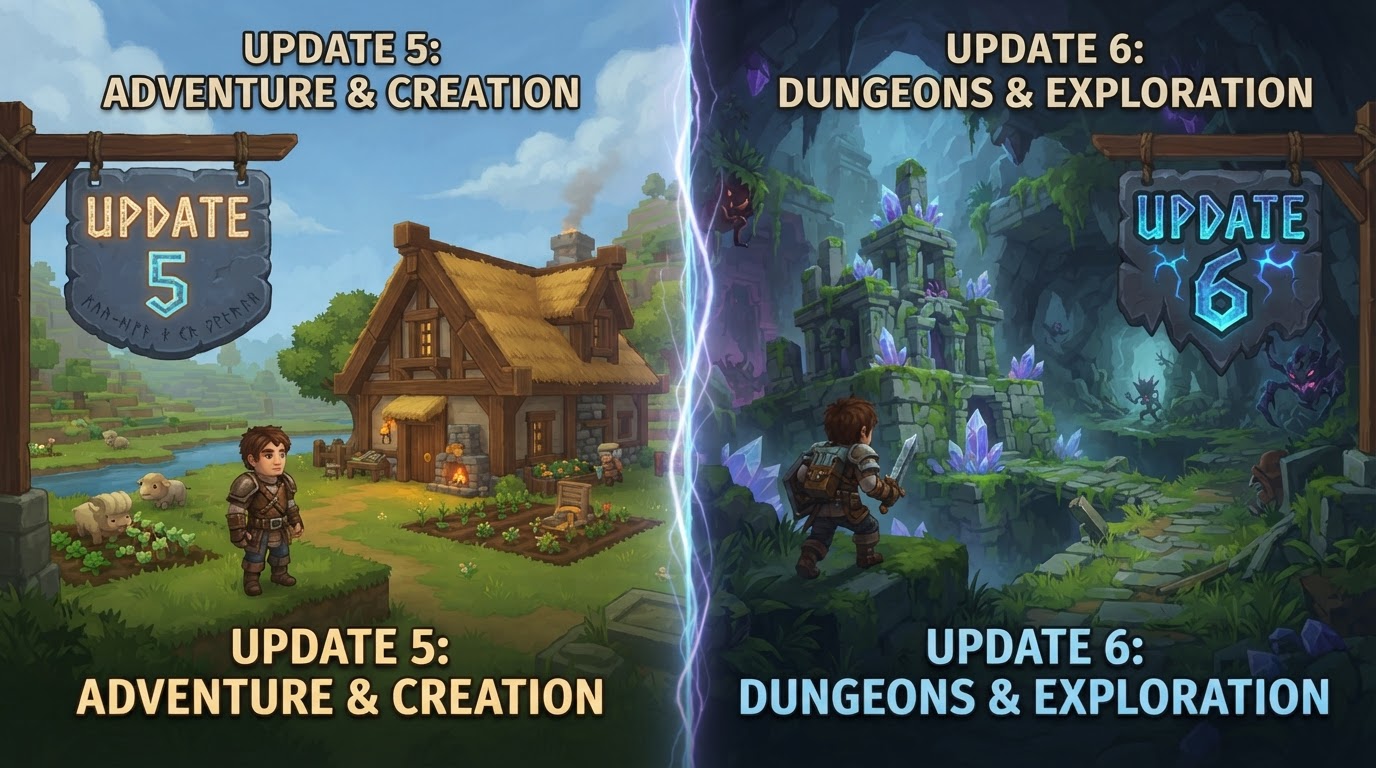
Hytale Update 5 focused on building the game’s core multiplayer infrastructure and accessibility, introducing features like an in-game server browser and initial controller support, while Update 6 significantly expanded modding capabilities with an in-game mod browser, introduced advanced creative tools, and added new Hardcore game modes.
The progression from Hytale Update 5 to Update 6 represents a clear evolution in Hypixel Studios’ early access strategy. Update 5 laid crucial groundwork for how players connect and interact within the game’s ecosystem, while Update 6 pivoted to empowering the community with unprecedented creative freedom and offering new gameplay challenges. Understanding these distinctions is key for players and creators alike to fully leverage the game’s evolving features.
Hytale Update 5: Establishing the Social and Technical Backbone
Released on May 26, 2026, Hytale Update 5 was a foundational patch primarily aimed at enhancing the multiplayer experience and solidifying core technical systems. It made Hytale more accessible and connected, setting the stage for future content and community interaction.
Key Mechanics and Features Introduced in Update 5
- In-Game Server Discovery: A robust server browser was integrated, allowing players to find and join community-run worlds directly from the game. This included comprehensive filtering options by game mode, audience, region, and sorting preferences.
- Controller Support: The first iteration of native gamepad support was implemented, accommodating Xbox, PlayStation, and Switch-style controllers for basic navigation and gameplay.
- Trigger Volume Tool: This expanded no-code scripting for in-world interactions, enabling creators to define areas that trigger events without traditional coding.
- Social Sidebar: A new social feature allowed players to manage friends, see who was online, and invite others to their worlds, with optional Discord integration.
- Movement Rework: A significant underlying technical change to player movement, utilizing a Hierarchical Finite State Machine, designed to improve the system’s extensibility for future movement features.
- Creative Tools & Emotes: New emotes were added, alongside interactive 3D previews for prefabs and general improvements for creators.
- Technical Improvements: Updates to data storage, improved combat visuals, block textures, and numerous bug fixes were part of this update.
Practical Steps and Tips for Update 5 Features
- Finding Servers:
- From the main menu, navigate to the “Servers” option.
- Utilize the filters on the left-hand side to narrow down your search by game mode (e.g., Adventure, Minigames), audience rating, or geographical region.
- Sort servers by “Featured,” “Most Liked,” or “Favorites” to find popular or preferred experiences.
- Managing Friends:
- Access the “Social” sidebar, usually indicated by a friends icon on the main UI.
- Use the search bar to find other players by their Hytale ID.
- Send friend requests, accept incoming requests, and see which friends are currently online or in-game.
- Optionally link your Discord account through the settings to discover friends from your Discord network.
- Using a Controller:
- Connect your compatible gamepad (Xbox, PlayStation, or Switch-style) to your computer before launching Hytale.
- The game should automatically detect the controller for basic movement, camera control, and primary actions.
- Tip: For complex menu navigation or precise building, you may still find a keyboard and mouse more efficient.
- For Server Owners:
- Ensure your server configuration includes appropriate tags and descriptions so it appears correctly in the in-game server browser.
- Promote your server to encourage player engagement and positive ratings to climb the “Most Liked” list.
Hytale Update 6: Empowering Creators and Expanding Gameplay
Launched on August 27, 2026, Hytale Update 6 marked a significant shift towards empowering the community with advanced creative tools and seamlessly integrating user-generated content. It also introduced new ways to play, catering to players seeking greater challenges.
Key Mechanics and Features Introduced in Update 6
- In-Game Mod Browser: A groundbreaking feature allowing players to discover, install, update, and remove community-created mods directly from the main menu, making modding an integral part of the Hytale experience.
- Hardcore Game Modes: Four distinct Hardcore modes were introduced, offering a more challenging and unforgiving gameplay experience for those seeking higher stakes.
- Advanced Creative Tools:
- Color Tool: A new tool for Creative Mode with coloring, gradient, and shading modes for sophisticated block painting and aesthetic customization.
- Savable Block Palette Presets: Creators could now save and reuse custom block palettes, significantly streamlining the building process.
- Larger Builder Selections: The capacity for builder selections was greatly increased, allowing manipulation of up to 16 million blocks at once.
- Enhanced Trigger Volume Tool: Expanded with new event types like “On Block Used” (player interaction with usable blocks) and “On Entity Died” (when an entity within the volume is defeated). New effects such as “Spawn NPC” and “Play Animation” enabled more complex interactive sequences.
- Improved Entity Collision Technology: Allowed players to stand on and be moved by appropriately configured entities, opening possibilities for moving platforms, dynamic traps, and intricate minigame mechanics.
- Gyro Aiming: Added support for gyro aiming on compatible controllers, offering more precise aiming options.
- System Requirement Update: The game now requires OpenGL 4.1 or later to run.
Practical Steps and Tips for Update 6 Features
- Installing Mods:
- From the main menu, select “Mod Browser.”
- Browse through categories, use the search function to find specific mods, or view featured content.
- Click on a mod to view its details, then select “Install” to add it to your game.
- Manage your installed mods, including updates and uninstallation, from the “My Library” section within the Mod Browser.
- Common Mistake: Always check mod compatibility with your current game version to avoid issues.
- Using Advanced Creative Tools:
- In Creative Mode, open your inventory and navigate to the “Specialized Tools” section to find the new Color Tool.
- Experiment with its coloring, gradient, and shading modes to apply intricate designs to blocks.
- To save a block palette, arrange your desired blocks in your hotbar or a dedicated inventory section, then look for the “Save Palette” option in the Creative UI.
- Creating Advanced Interactions with Trigger Volumes:
- Place a Trigger Volume in your world using the creator tools.
- In the Trigger Volume’s properties panel, explore the new event types like “On Block Used” (e.g., triggering an event when a player interacts with a switch) or “On Entity Died” (e.g., spawning a reward when a specific enemy is defeated).
- Utilize new effects such as “Spawn NPC” or “Play Animation” to bring more dynamic and scripted sequences to life without writing code.
- Playing Hardcore Modes:
- When creating a new world or starting a new game session, look for the “Game Mode” selection.
- Choose one of the four available Hardcore options for a significantly increased challenge and permadeath mechanics.
- System Requirement Check:
- Before playing Update 6, ensure your graphics drivers are updated to support OpenGL 4.1 or later. Outdated drivers may prevent the game from launching or cause graphical issues.
Hytale Update 5 vs. Update 6: What’s Different?
The transition from Update 5 to Update 6 showcases a strategic shift in Hytale’s early development, moving from foundational infrastructure to empowering community content and expanding gameplay depth.
Core Focus: Infrastructure vs. Content & Creativity
- Update 5: Primarily focused on building the essential multiplayer and social infrastructure. This included making it easy to find servers, connect with friends, and ensuring basic accessibility through controller support. Its technical changes, like the movement rework, were foundational for future development rather than immediate gameplay additions.
- Update 6: Shifted focus dramatically towards content creation and integration. The in-game Mod Browser was a monumental step in making community-created content accessible. Alongside this, a suite of advanced creative tools and new gameplay modes directly impacted what players could build and how they could play.
Community Engagement: Server Discovery vs. Mod Integration
- Update 5: Enhanced community engagement by making it easier to discover and join community-run servers through a robust in-game browser. This was about connecting players to existing experiences.
- Update 6: Revolutionized community engagement by directly integrating user-created modifications into the game client. This moved beyond simply finding servers to actively participating in and consuming the modding ecosystem, fundamentally changing content delivery.
Creator Tools: Foundational Scripting vs. Advanced Control
- Update 5: Introduced the initial Trigger Volume Tool, providing a basic no-code scripting capability for in-world events. It was a starting point for interactive scene creation.
- Update 6: Significantly expanded creator capabilities with tools like the Color Tool for detailed aesthetics, savable block palettes for efficiency, and vastly increased builder selection limits. The Trigger Volume Tool itself received substantial upgrades with new event types and effects, allowing for much more complex and dynamic interactive sequences.
Gameplay Modes and Interaction
- Update 5: Did not introduce new gameplay modes, focusing instead on underlying systems.
- Update 6: Introduced four distinct Hardcore game modes, directly expanding the variety and challenge of available gameplay experiences. Additionally, the improved entity collision technology opened up entirely new possibilities for interactive environments like moving platforms and dynamic traps, directly impacting gameplay design.
Technical Requirements
- Update 5: Did not introduce any new significant system requirements.
- Update 6: Raised the minimum OpenGL requirement to 4.1 or later, indicating a potential increase in graphical complexity or rendering techniques.
In summary, Update 5 was about establishing Hytale’s social connectivity and technical backbone, ensuring a solid platform for players to interact. Update 6 then built upon this by deeply integrating community-driven content through modding, providing creators with powerful new tools to shape the game world, and offering new gameplay challenges, ultimately deepening the game’s replayability and creative potential.