
Guide
Hytale System Requirements: Can Your PC Run It?
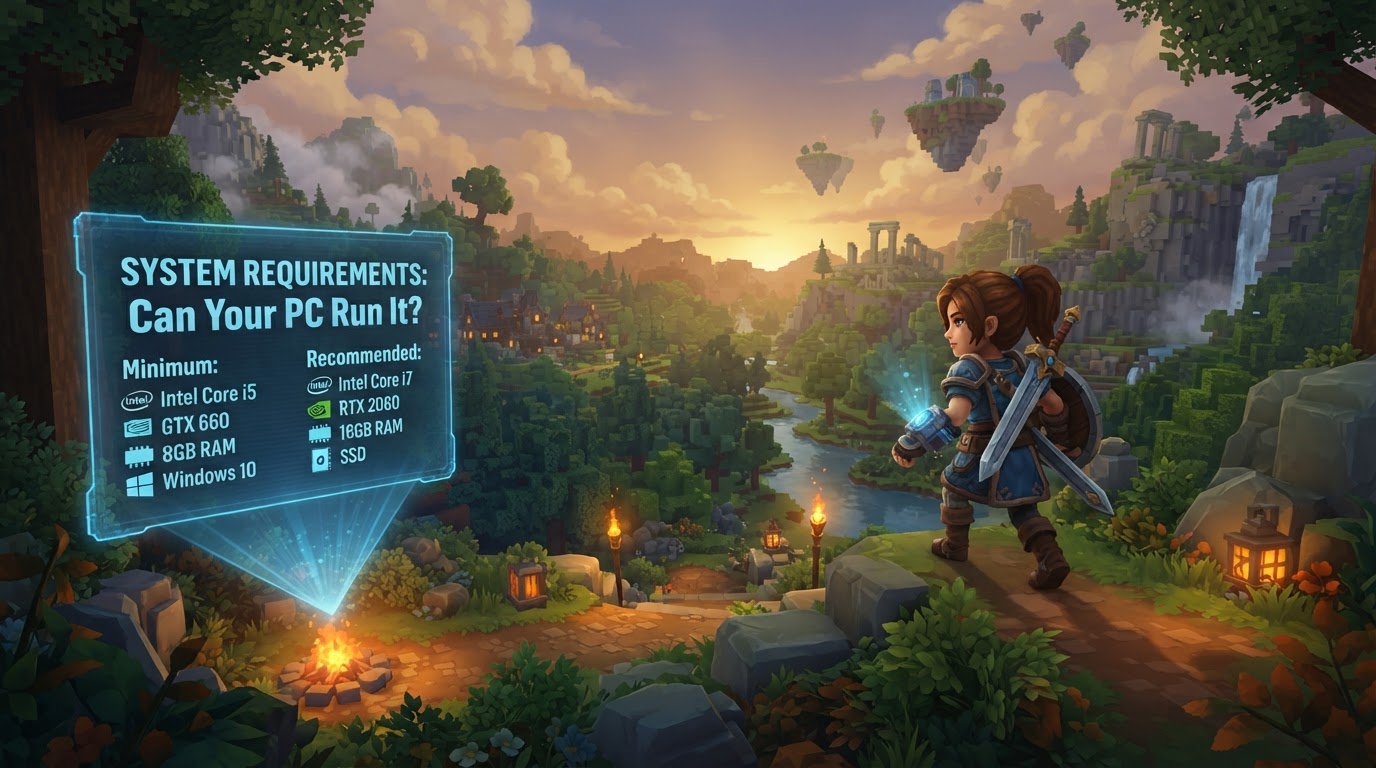
Determining if your PC can run Hytale involves comparing your system’s hardware and software against the game’s official requirements. Hytale is designed for broad accessibility while supporting a rich, dynamic world, extensive moddability, and complex simulation, which necessitates specific hardware capabilities.
Can Your PC Run Hytale? The Core Requirements
Hytale runs on a proprietary, custom-built engine featuring a C# client and Java server architecture. This design choice aims to balance performance, scalability, and modding potential. The developers have provided detailed specifications to help players understand what’s needed for an optimal experience.
Minimum Requirements (Targeting 1080p @ 30 FPS on Low preset)
These specifications are designed to get you into the game with playable performance at lower visual settings.
- Operating System: 64-bit Windows 10 (version 1809) or Windows 11. Linux x64-architecture (Kernel 6.15) and Apple Silicon with macOS Tahoe (26.0) are also supported.
- CPU: Intel Core i5-7500 (or equivalent) or AMD Ryzen 3 1200 (or equivalent).
- RAM:
- 8 GB with a dedicated graphics card.
- 12 GB with integrated graphics (as integrated GPUs share system memory).
- GPU:
- Dedicated: NVIDIA GTX 900 Series, AMD Radeon 400 Series, or Intel Arc A-Series.
- Integrated: Intel UHD Graphics 620, AMD Radeon Vega 6, or Apple M1 (any variant).
Note: Your graphics card must have up-to-date drivers supporting at least OpenGL 4.1. Future versions may also require Vulkan 1.3 and DirectX 12.
- Storage: SATA SSD with 20 GB of free space. While the installation size is noted as 8 GB, 10-20 GB free space is recommended for world generation and game updates.
- Network (for multiplayer): A stable 2 Mbit/s connection (UDP/QUIC compatible).
Recommended Requirements (Targeting 1080p @ 60 FPS on High preset)
For a smoother and more visually appealing experience, especially at higher settings, aim for these specifications.
- Operating System: 64-bit Windows 10 (version 1809) or Windows 11. Linux x64-architecture (Kernel 6.15) and Apple Silicon with macOS Tahoe (26.0) are also supported.
- CPU: Intel Core i5-10400 (or equivalent) or AMD Ryzen 5 3600 (or equivalent).
- RAM: 16 GB.
- GPU:
- Dedicated: NVIDIA GTX 900 Series, AMD Radeon 400 Series, or Intel Arc A-Series.
- Integrated: Intel Iris Xe Graphics, AMD Radeon 660M, or Apple M2 (any variant).
- Storage: NVMe SSD with 20 GB of free space.
- Network (for multiplayer): A stable 8 Mbit/s connection (UDP/QUIC compatible).
Suggested Setup (For Stable Framerate with High-Quality Video Capture/Streaming at 1440p)
If you plan to stream, record gameplay, or simply want the best possible performance at higher resolutions, consider this setup.
- Operating System: 64-bit Windows 10 (version 1809) or Windows 11.
- CPU: Intel Core i7-10700K (or equivalent) or AMD Ryzen 7 3800X (or equivalent).
- RAM: 32 GB.
- GPU: NVIDIA RTX 30 Series, AMD Radeon RX 7000 Series, or Intel Arc A-Series.
- Storage: NVMe SSD with at least 10% (or 50 GB) of free space available. A separate drive for video recording is highly recommended.
Understanding Hytale’s Engine and Performance
Hytale’s engine is custom-built to handle its unique blend of features, including extensive moddability, dynamic world generation, and complex simulation. The decision to use a C# client and Java server architecture (after reverting from an earlier C++ rewrite attempt) was made to optimize for broad accessibility, scalability, and ease of server administration, particularly for those familiar with Java-based server environments. This engine allows for advanced graphical features like realistic fog and real-time shadows, and is designed to manage a higher number of active creatures and more intricate behaviors than many other block-based games. This robust foundation means that while the game aims to be accessible, it also leverages modern hardware to deliver its ambitious vision.
How to Check Your PC’s Specifications (Windows)
To accurately compare your system against Hytale’s requirements, you’ll need to know your PC’s CPU, RAM, and GPU. Here are common methods for Windows users:
Using Task Manager
- Press
Ctrl + Shift + Escsimultaneously to open Task Manager. - Navigate to the “Performance” tab.
- Here, you can click on “CPU,” “Memory” (RAM), and “GPU” to see real-time usage and core specifications.
Using System Information
- Press the
Windows key + Rto open the Run dialog. - Type
msinfo32and press Enter. - This utility provides a comprehensive overview of your system’s hardware and software, including your processor model, installed RAM, and basic graphics card information under “Display.”
Using DirectX Diagnostic Tool
- Press the
Windows key + Rto open the Run dialog. - Type
dxdiagand press Enter. - This tool is particularly useful for gaming-specific details. The “System” tab shows your Operating System, Processor, and Memory. The “Display” tab(s) will detail your graphics card(s), including the name, manufacturer, and driver version.
Essential Tips for Optimal Hytale Performance
- Compare Accurately: Take the time to carefully match your PC’s specifications against the minimum and recommended requirements. Don’t guess.
- SSD for Performance: An SSD (Solid State Drive) is crucial for Hytale. For recommended and suggested setups, an NVMe SSD is highly beneficial for significantly faster loading times and smoother world generation due to the game’s procedural nature.
- Driver Updates: Always ensure your graphics card drivers are up-to-date. Outdated drivers are a common cause of performance issues and can prevent the game from utilizing necessary technologies like OpenGL 4.1.
- Consider Future-Proofing: If your PC only barely meets the minimum requirements, you might experience lower frame rates and need to play on the lowest graphics settings. Aiming for the recommended specifications will provide a much smoother and more enjoyable experience, especially when considering future content and mods.
- Community Benchmarks: Once the game is released, look for community-created benchmarks on platforms like YouTube. Searching for phrases like “Hytale [Your CPU] [Your GPU] Benchmark” can give you a realistic idea of how your specific system might perform.
Avoid These Common Pitfalls
- Underestimating RAM for Integrated Graphics: PCs using integrated graphics share system RAM with the GPU. This is why 12 GB RAM is the minimum for integrated graphics compared to 8 GB for dedicated cards. Failing to meet this can lead to severe performance bottlenecks.
- Ignoring Storage Type: While 20 GB of free space is needed, using a traditional Hard Disk Drive (HDD) instead of an SSD (especially NVMe) can drastically increase loading times and negatively impact the performance of dynamic world generation.
- Outdated Drivers: Running with old graphics drivers is a frequent mistake that can cause poor performance, graphical glitches, or even prevent Hytale from launching altogether.
- Assuming Similarity to Other Games: While Hytale is often compared to other block-based sandbox games, it runs on a completely different, custom-built engine. Do not assume your PC will run Hytale well just because it handles other similar-looking games without issue.
- Neglecting Network Speed for Multiplayer: A stable and sufficiently fast internet connection is vital for a smooth multiplayer experience. The recommended 8 Mbit/s ensures minimal latency and a better overall online experience.
A Note on Future Adjustments
While the provided specifications are detailed and reflect current developer statements, Hypixel Studios has indicated they are “still working on performance improvements.” This means the final, release-day requirements could see minor adjustments. However, the figures presented here are a very strong indication of what to expect.