
Guide
How Procedural Generation Works in Hytale
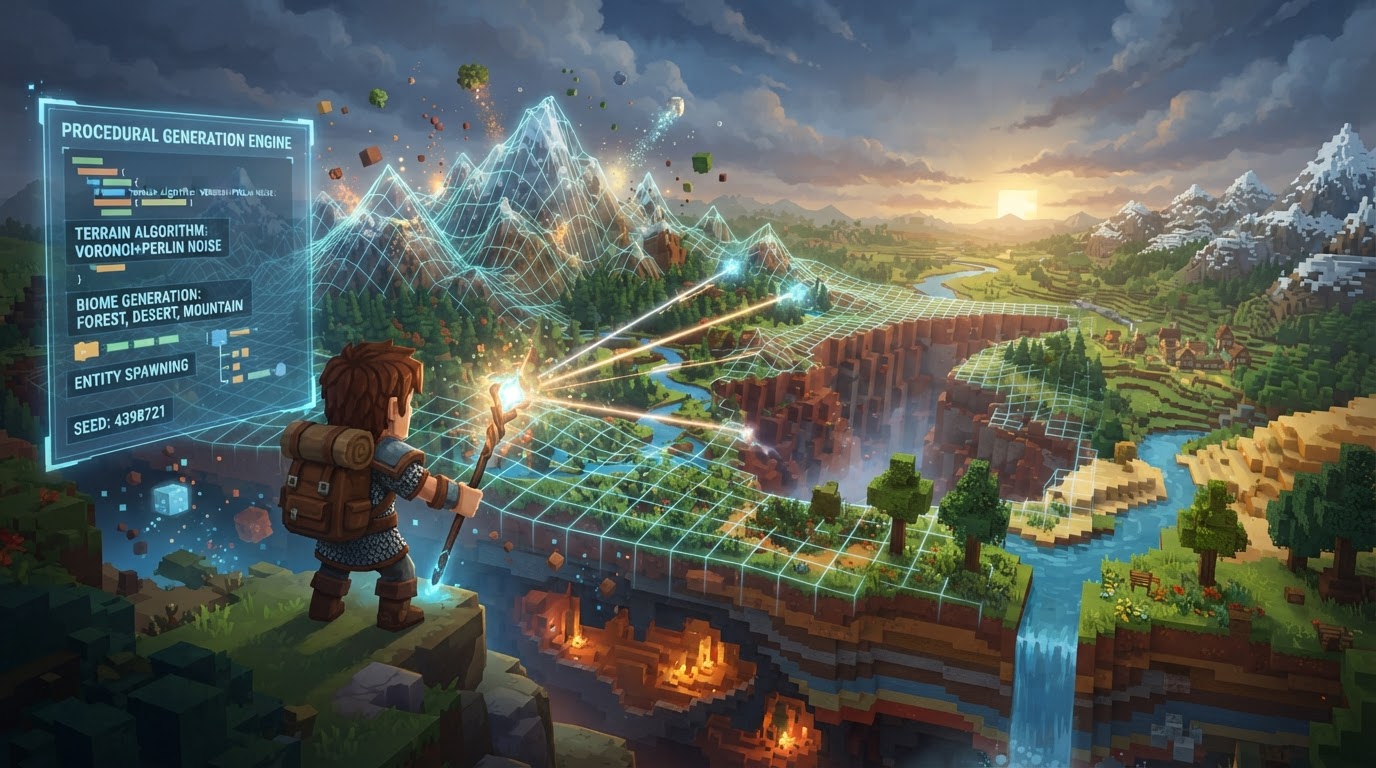
Hytale’s world generation system is designed to create vast, diverse, and immersive worlds that feel both “handcrafted yet infinitely procedural.” This sophisticated approach allows for unprecedented control over world features, from sprawling continents down to individual plant placements, catering to both players and content creators.
The system has evolved through two primary iterations: V1, the legacy engine that generated the initial Hytale demos, and V2, the future engine designed for more complex, designer-led worlds. Understanding this distinction is crucial for both playing and modding Hytale.
V1: The Legacy Engine
Developed between 2016 and 2020, V1 was the original procedural generation engine used to create the worlds showcased in Hytale’s early trailers and demos. While powerful for its time, V1 had limitations in producing the intricate, highly varied biomes and structures that Hytale’s developers envisioned for the long term.
Upon Hytale’s initial launch, players will primarily experience worlds generated by V1. This engine will power the game’s “Exploration mode,” offering a familiar and vast world to discover. However, even in V1 worlds, players may encounter “fragments” of content generated by the more advanced V2 system, accessible through specific in-game gateways or events. This serves as a bridge to the future of Hytale’s world generation.
V2: The Future of World Generation (Orbis)
In development since 2021, V2 represents a significant leap forward. It’s designed to move away from purely mathematical generation towards an “Intentional Design” philosophy. This means giving artists and designers far greater control over the placement of content, the characteristics of biomes, and the overall feel of the world. V2 is built from the ground up to support more complex, visually stunning, and narratively rich environments.
The Node-Based System
At the core of V2 is a visual, node-based editor. This intuitive interface allows creators to build and adjust world generation parameters without writing a single line of code. Each node represents a specific function or piece of data, and by connecting them, designers can define everything from terrain height and material distribution to the placement of props and structures. Changes made in the node editor can be previewed instantly in-game, providing immediate feedback and accelerating the development process for both official content and community mods.
Interconnected Systems: Zones, Biomes, and Caves
Hytale’s V2 world generation is organized into three interconnected systems that work in harmony to create rich and varied environments:
- Zones: These are the largest-scale regions, defining the overall structure and feel of a significant portion of the world. A zone might represent an entire continent, a vast ocean, or a desolate wasteland. Each zone establishes broad environmental rules and influences the types of biomes that can appear within its boundaries.
- Biomes: Within zones, biomes determine the specific terrain characteristics, environmental properties, and natural features. A zone doesn’t just contain biomes; it defines its own unique biome pattern, dictating how different biomes blend and transition. This allows for seamless and logical shifts between, for example, a dense forest, a rolling plains, and a rocky mountain range within the same overarching zone.
- Caves: Underground structures and networks are generated within zones, but their placement and characteristics are heavily influenced by “biome masks.” These masks allow designers to specify where certain types of caves should appear, ensuring that a volcanic cave system doesn’t accidentally generate under a frozen tundra, for instance. This integration ensures that the underground world feels as cohesive and intentional as the surface.
Core Principles for V2 Modding (Custom Biomes)
When creating custom biomes using Hytale’s V2 tools, several core elements are fundamental:
- Root Biome Node: Every custom biome configuration begins with a root biome node. This is the entry point for defining all the properties and behaviors of your biome.
- Densities: Hytale uses a three-dimensional grid of real number values, known as densities. For any given block coordinate, if its associated density value is greater than zero, a block exists there. Modders manipulate these density values to sculpt terrain, create overhangs, and define the overall shape of their biome.
- Material Providers: These define the types of materials (e.g., dirt, stone, sand, custom blocks) that will be used throughout the biome. Material providers can be configured to distribute materials based on height, proximity to other features, or specific density values.
- Prop Placement: Runtime nodes are used to place props such as trees, rocks, bushes, and other decorative elements. Methods like “Mesh2d Positions” allow for precise placement on surfaces, often incorporating a “jitter” factor to ensure natural-looking, non-uniform distribution.
Specialized World Generators
Beyond the primary Hytale generator, the game includes several specialized generators for different purposes, particularly useful for testing and specific server configurations:
- Hytale: The default, full-featured procedural world generator.
- Flat: Generates a completely flat world with definable layers, ideal for creative building or testing specific game mechanics.
- Void: Generates empty chunks, useful for creating custom skyblock-style maps or isolated arenas.
- Dummy: Places a single layer of unknown blocks, primarily used for internal testing and debugging purposes.
Creating Custom Biomes: A Step-by-Step Guide
Hytale’s V2 system is designed to be highly moddable. Here’s how you can begin creating your own custom biomes:
- Open Hytale Asset Editor: Launch the dedicated Hytale Asset Editor, which is your primary tool for creating and modifying game assets, including world generation components.
- Create a New Hytale Mod: Within the Asset Editor, start by creating a new mod project. This will be the container for all your custom assets.
- Create a Biome Asset: Inside your mod project, create a new “Biome Asset.” This will generate the foundational files for your custom biome.
- Configure the Biome: Use the Hytale Asset Node Editor (accessible within the Asset Editor) to define your biome’s properties. This is where you’ll connect nodes to control densities, material providers, and prop placements. You can find examples and reference existing assets in the game’s files, typically under
Server/HytaleGenerator/, with specific directories likeWorldStructure,Biomes,Density, andAssignments. - Edit Biomes In-Game: For live editing, join your Hytale server or single-player world. Open the Content Creation menu (usually by pressing the
Tabkey). Navigate to the Biomes directory (e.g.,Server/HytaleGenerator/Biomes/Basic.json) to open and modify your biome files directly within the game environment. - Preview Changes: To see your modifications, generate new chunks in an active Instance world. You can use the
viewportcommand to select an area around your player for live reloading of changes, or simply fly to new, unexplored areas. Creating a brand new world will also reflect your latest biome configurations.
Server-Side World Creation
For server owners, Hytale provides commands to manage world generation:
- Join your Hytale server with admin permissions.
- Type
/world add [name]to create a new world using the default Hytale generator. - For custom generation, use
/world add [name] --gen=[generator], replacing[generator]with options likeHytale,Flat,Void, orDummy.
Tips for Modders and Players
For Modders (Custom Biome Creation)
- Experimentation is Key: The Hytale Node Editor provides immediate visual feedback. Don’t be afraid to tweak parameters, connect nodes differently, and observe the effects. This iterative process is essential for understanding the system.
- Utilize Official Resources: Hytale plans to provide extensive first-party tutorials, guides, and documentation. Keep an eye on official channels for the most accurate and up-to-date information.
For General Gameplay
- Set up Teleporters Early: As you explore, prioritize setting up teleporters in key locations. This will save immense time when traveling between biomes and returning to your base.
- Efficient Farming: Focus your resource gathering on what you immediately need. Avoid spending excessive time on non-essential farming tasks early on to streamline your progress.
Common Mistakes to Avoid
Misunderstanding V1 vs. V2
One of the most common misconceptions will be the expectation of V2 content everywhere immediately upon early access. Remember: Hytale will launch with V1-generated worlds. V2 (Orbis) is an ongoing development that will eventually replace V1. Existing V1 worlds will remain accessible, but new areas will generate with V2 once it’s fully implemented. Do not expect the full V2 experience from day one.
World Generation Corruption (Server Owners)
Server owners should be aware of potential world corruption issues, especially with complex procedural generation:
- Causes: Server crashes during chunk generation, insufficient disk space or memory, mod conflicts, power outages, or file system errors can all lead to corruption.
- Symptoms: Missing chunks, mismatched terrain boundaries, incorrectly generated structures, server errors, and players falling through the terrain are common indicators.
- Prevention/Fixes:
- Regularly back up your world files.
- Ensure your server has sufficient disk space, RAM, and CPU resources.
- Carefully manage and test mods to avoid conflicts.
- Utilize Hytale’s built-in repair tools, such as
/world validateto check for issues,/world scanto identify corrupted areas, and/world repairto attempt fixes.
Outdated Server Software/Configuration
Running outdated game server software or having incorrect server settings can lead to instability, crashes, and poor performance. Always ensure your Hytale server is running the latest stable version and that its configuration files are optimized according to official guidelines.