
Guide
How to Change Your Character’s Appearance in Hytale
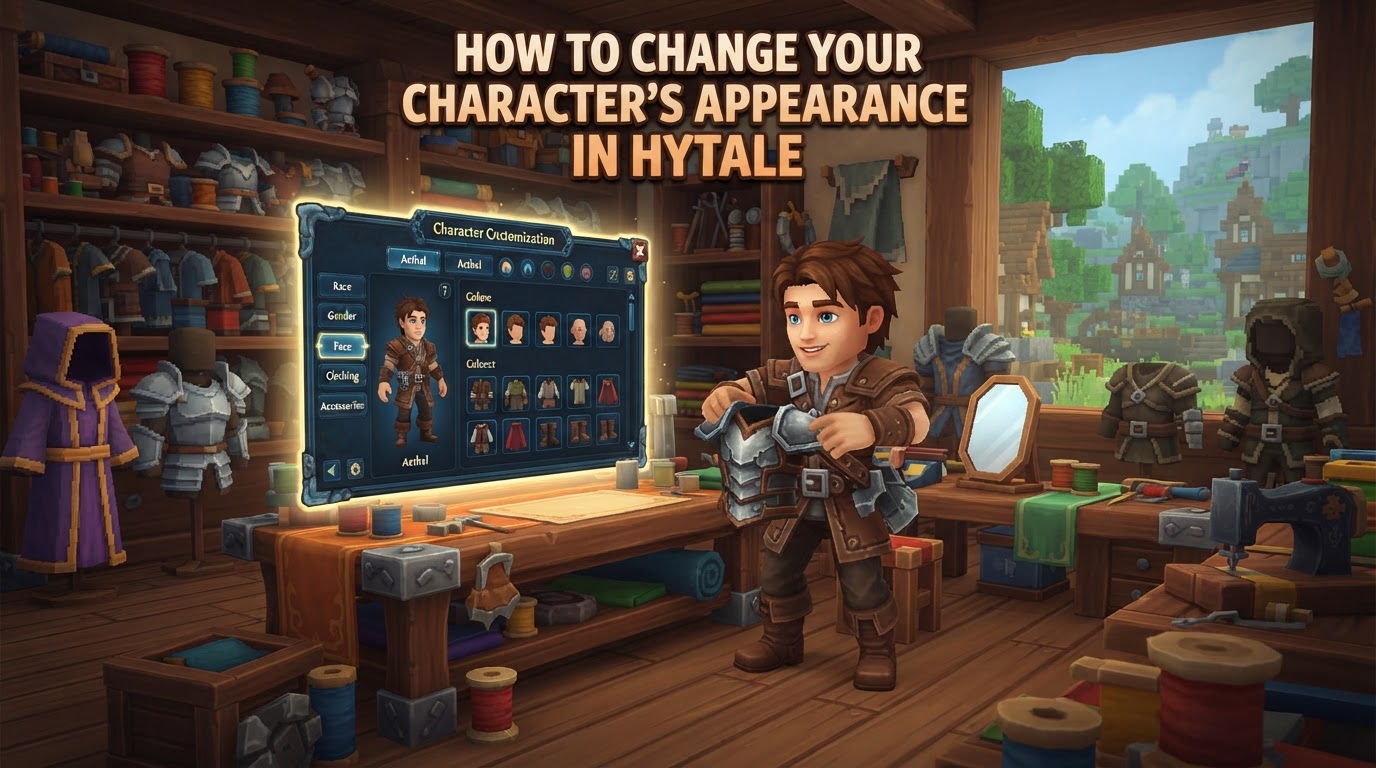
Hytale offers an exceptionally deep and flexible character customization system, allowing players to personalize their avatar’s appearance down to intricate details and change it at any point during their adventure.
This guide will walk you through the precise steps to modify your character’s look, from accessing the character creator to understanding the vast array of options available, ensuring your in-game persona perfectly reflects your style.
How to Change Your Character’s Appearance in Hytale
Modifying your character’s appearance in Hytale is a straightforward process, accessible directly from the game’s main menu. The system is designed for ease of use, providing a real-time preview of your changes as you make them.
Accessing the Character Creator
-
From the Main Menu: When you first launch Hytale or return to the main screen, locate and select the option labeled “My Avatar”. This is your gateway to the character customization suite.
Navigating the Customization Options
Once inside the “My Avatar” screen, you’ll be presented with your character in a central preview window. To the left, you’ll find a series of categories, and to the right, detailed options within the selected category.
-
Select a Customization Category: The left panel organizes customization into intuitive sections. These typically include:
- General: For fundamental body and facial features.
- Head: Dedicated to hair, eyes, and headwear.
- Torso: For upper body clothing and accessories.
- Legs: For lower body clothing and footwear.
- Capes: To add or change your character’s cape.
Click on any of these categories to reveal its specific customization choices in the right panel.
Detailed Customization Categories
Hytale’s character creator provides extensive options within each category. As you select different features, your character in the preview window will update instantly, allowing you to see your changes in real-time.
-
General Appearance
This section covers your character’s foundational look. Here, you can adjust:
- Skin Tone: Choose from a wide palette of skin colors.
- Body Type: Select from subtle variations, such as slightly muscular builds, to define your character’s physique.
- Facial Styling: Modify general facial features to give your character a unique expression.
It’s important to note that Hytale does not feature a direct “gender” selection. Instead, players define their character’s gender expression through their chosen combination of body types, hairstyles, and clothing options.
-
Head Customization
The Head category offers a wealth of options to personalize your character’s face and hair:
- Hairstyles: Browse through numerous hairstyles, from short and practical to long and flowing.
- Hair Color: Apply a diverse range of colors to your chosen hairstyle.
- Eye Color: Select the perfect eye color to match your character’s personality.
- Eyebrow Styles: Choose from various eyebrow shapes and thicknesses.
- Facial Hair: For characters where it’s applicable, select from different beard and mustache styles.
- Head Accessories: Equip hats, headbands, or other headwear.
- Face Accessories: Add glasses, masks, or other items that adorn the face.
- Ear Accessories: Customize with earrings or other ear adornments.
-
Clothing Customization (Torso, Legs, Capes)
Hytale features a layered clothing system, allowing for highly detailed and customizable outfits. This system ensures that your chosen aesthetic can be maintained even when wearing protective gear.
- Torso:
- Undertops: These are your base shirts or inner garments.
- Overtops: Layer jackets, coats, vests, or armor-style clothing over your undertop.
- Gloves: Select various hand coverings.
- Legs:
- Pants: Choose from trousers, shorts, skirts, and other legwear.
- Shoes: Equip boots, sneakers, sandals, or other footwear.
- Capes: Equip or change your character’s cape, adding a dramatic flair to your outfit.
Many clothing items also come with a variety of color options, allowing for further personalization.
- Torso:
Saving Your Changes
Once you are completely satisfied with your character’s new look, the final and most crucial step is to save your modifications.
-
Click the “Save” Button: Below your character preview, usually in the bottom right corner, you will find a prominent “Save” button. Click this to apply all your adjustments permanently. If you exit the “My Avatar” menu without saving, all your unsaved changes will be lost, and your character will revert to its last saved appearance.
Tips for Effective Customization
To make the most of Hytale’s character creator, keep these useful tips in mind:
Revisit Anytime
One of the greatest strengths of Hytale’s system is its flexibility. You can return to the “My Avatar” menu from the home screen at any point during your gameplay. Whether you’re in the middle of an adventure or just starting out, you can freely change your look without affecting your game progress or stats. This encourages experimentation and allows your character to evolve with your journey.
Utilize Quick Tools
The character creator is equipped with several helpful tools to streamline your customization process:
- Undo and Redo: These buttons allow you to quickly reverse or reapply your most recent changes, perfect for trying out different options without committing immediately.
- Randomize: If you’re looking for inspiration or just want a quick starting point, the “Randomize” option can instantly generate a new avatar with a random combination of features.
- Lock Sections: When using the “Randomize” feature, you can “Lock” specific sections (e.g., your chosen hairstyle or skin tone) to prevent them from changing. This allows you to randomize other parts of your character while preserving elements you already like, enabling focused experimentation.
Manage Armor Visibility
Hytale understands that players want their chosen aesthetic to shine through, even when wearing protective gear. The game allows you to hide individual armor pieces in your character menu. This means you can wear powerful armor for its defensive benefits while still showcasing your preferred cosmetic outfit underneath, ensuring your character always looks exactly how you want them to.
Common Pitfalls and Important Considerations
While the character customization system is user-friendly, there are a few common oversights and points of clarification to be aware of:
Forgetting to Save
This is perhaps the most common mistake. After spending time perfecting your character’s look, it’s easy to forget to click the “Save” button before exiting the menu. Always double-check that you’ve saved your changes to avoid losing your hard work.
Understanding Locked Cosmetics
You might encounter certain cosmetic items that appear grayed out or are otherwise inaccessible. These are typically tied to specific game editions (such as Standard, Supporter, or Cursebreaker editions) or exclusive pre-order bonuses. They are not usually unlockable through in-game progression or achievements, so if an item is locked, it’s likely due to your game edition.
Gender Expression, Not Direct Selection
Players familiar with other games might look for a direct “gender” selection option. Hytale takes a different approach, focusing on “gender expression.” Instead of a single button, players define their character’s identity through a combination of body features, hairstyles, and clothing choices. This allows for a more fluid and personalized representation.
Community Desires for Future Features
While Hytale’s current customization system is robust, the community has expressed desires for even more granular control in potential future updates. These suggestions include the ability to combine different facial hair parts, separate hair and ear options for greater flexibility, a color wheel for fine-tuning tints, and dedicated sections for makeup, facial markings, and jewelry. These are aspirations for future improvements, not existing mechanics, but they highlight the potential for even deeper personalization down the line.