
Guide
Where Are Hytale Screenshots Saved?
Find where Hytale screenshots are saved and learn how to access them after capturing an image.

You have successfully taken a screenshot in Hytale. If you don’t know, check out this guide.
If you have played Minecraft, you would know that in-game screenshots are saved to a dedicated screenshots folder within the game files. But where do the screenshots get saved in the case of Hytale. Here is the answer.
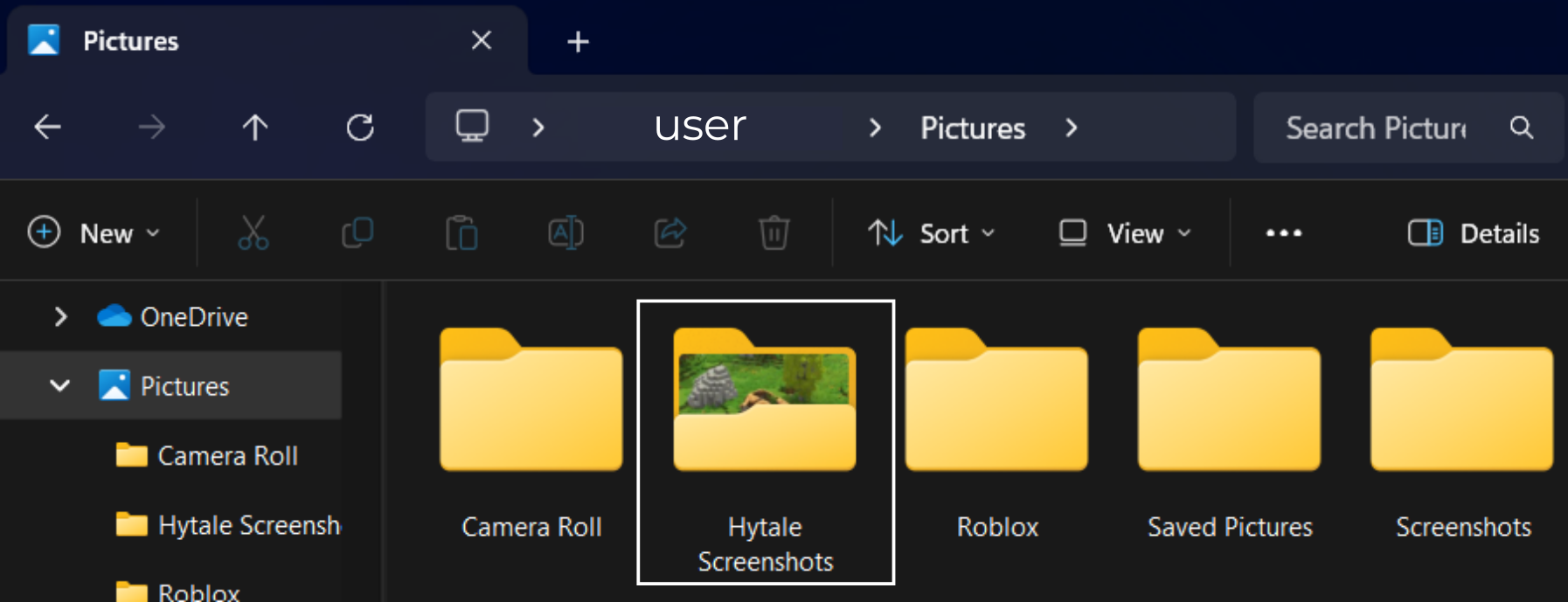
By default, Hytale screenshots are saved to “C:/Users/user/Pictures”
Within the Pictures folder, you will find a folder named “Hytale Screenshots“. Hytale automatically made this folder the moment you captured your first screenshot. This is the default save location for all screenshots you take inside the game.
If you don’t know how to take a screenshot in the game, click here.