
Guide
How Server-Side Modding Works in Hytale
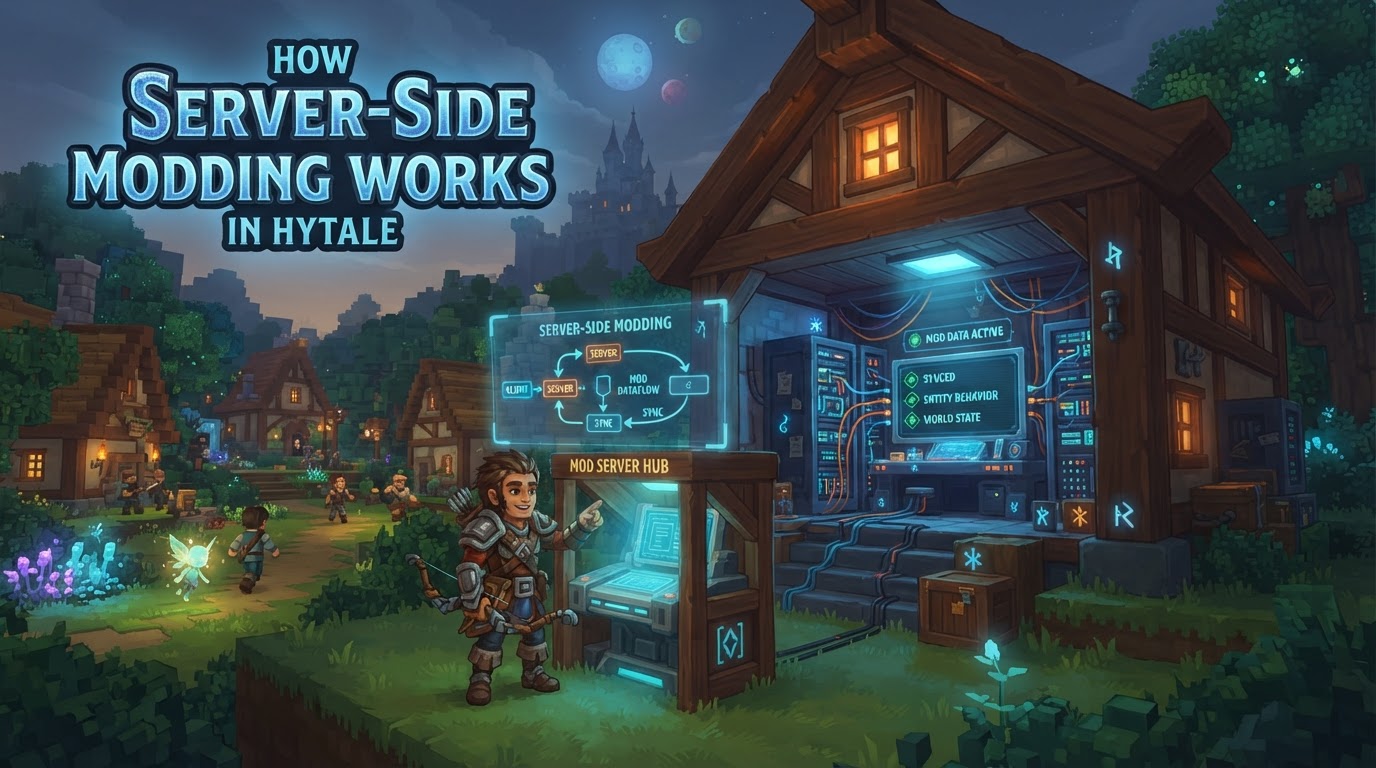
Hytale’s modding system operates on a “server-first” principle, meaning all modifications primarily run on the server. This fundamental design allows players to join modded servers without needing to download or install any files themselves, as the server automatically streams necessary assets directly to the client. This approach aims to provide unparalleled stability, security, and accessibility for players, effectively eliminating common issues like complex modpack management and version mismatches often found in other games.
Understanding Hytale’s Server-Side Modding Mechanics
Hytale’s powerful server-side modding capabilities are built around several distinct types of modifications, each offering different levels of control and customization. These can be broadly categorized into structural changes, content modifications, and asset creation, all primarily managed on the server.
Server Plugins (Java-based)
Server Plugins represent the most powerful and flexible modding option available in Hytale. Written in Java and packaged as standard .jar files, these plugins allow for deep server control and the implementation of complex game logic. Modders can use Java to create entirely new minigames, sophisticated economy systems, custom game modes, unique commands, and fundamentally alter core gameplay mechanics. Hypixel Studios has committed to releasing the server source code, which will significantly aid modders in developing these advanced plugins by providing full insight into the server’s internal workings.
Data Assets (JSON-based)
Data Assets are configuration files primarily in JSON format that allow for extensive modification of game content without requiring traditional programming. These assets control virtually every aspect of the game’s existing elements. Creators can modify properties of blocks, items, non-player characters (NPCs) and their behaviors, define intricate world generation rules, and customize loot tables. Hytale’s dedicated Asset Editor tool is designed to facilitate the creation and modification of these JSON-based data assets, making content customization accessible even to those without coding experience.
Art Assets
Art Assets encompass all visual and audio content within Hytale. Modders have the freedom to create custom 3D models, which can be done using external tools like Blockbench, an application with official Hytale plugin integration for seamless workflow. Beyond models, creators can design unique textures, craft custom animations for characters and objects, and produce original sound effects and music tracks. These assets are streamed directly from the server to the client, ensuring everyone on a modded server experiences the same custom content.
Save Files
Save Files in Hytale refer to shareable worlds and prefabs. Modders can create intricate custom worlds or specific structures (prefabs) that can be shared and integrated into server environments. This allows for the distribution of custom-built environments, adventure maps, or unique architectural designs that enhance the server’s offerings.
Scripting Languages for Server-Side Logic
Beyond Java plugins, Hytale supports several scripting languages for implementing server-side logic, offering flexibility for different development preferences and complexity needs:
- Lua: Hytale features a native Lua-based scripting system specifically designed for server-side modifications. This allows modders to implement gameplay rules, create new items with custom behaviors, and handle various player events efficiently.
- JavaScript/TypeScript: The Hytale community has developed frameworks like HyScript and SimpleScripting, which enable JavaScript and TypeScript-based server-side development. These frameworks often provide advanced features such as hot-reloading for rapid iteration and robust module support for organized codebases.
- Visual Scripting: Inspired by Unreal Engine’s Blueprints, Hytale plans to incorporate a node-based visual scripting system. This intuitive interface will empower non-programmers to create game logic by connecting visual nodes. Programmers will also be able to extend this system by creating custom nodes in Java, bridging the gap between visual and code-based development.
Exact Steps for Server-Side Mod Integration
While the specific creation workflow varies depending on the type of mod, the general process for installing a pre-made mod on a Hytale server is straightforward and follows these clear steps:
- Stop the Server: Before initiating any modifications or installations, it is crucial to ensure your Hytale server is completely offline. Attempting to install mods while the server is running can lead to data corruption or incomplete installations.
- Backup Data: Always create a manual backup of your entire server directory and world files before installing or updating any mods. This precautionary step is vital for preventing data loss in case of unforeseen issues or mod conflicts.
- Obtain the Mod File: Download the desired mod from a trusted source, such as a community modding website. Mod files are typically distributed as
.ziparchives or.jarfiles. Crucially, verify that the mod’s version is fully compatible with your Hytale server’s current version and protocol to avoid compatibility issues. - Upload the Mod:
- Using a Mod Installer (if available): Many Hytale server hosting providers offer integrated mod installer tools within their control panels. These tools allow you to browse, search for, and install mods directly with a few clicks.
- Manual Upload: If a mod installer is not available, you will need to access your server’s file system. This is typically done via an FTP client (File Transfer Protocol) or a web-based file manager provided by your host. Navigate to the
mods/directory located at the server’s root level and upload the mod file directly into this folder.
- Install Dependencies (if any): Some mods require additional files, known as dependencies, to function correctly. Always check the mod’s documentation for a list of required dependencies. If any are listed, download them and upload them to the same
mods/directory as the primary mod file. - Start the Server: Once all mod files and their dependencies are correctly placed in the
mods/directory, restart your Hytale server. The server will automatically detect and load the new modifications during its startup sequence. - Verify Mod Functionality: After the server has started, monitor the server console for any error messages that might indicate an issue with the mod loading. Then, join your server in-game and verify that the mod is functioning as expected.
Practical Tips for Hytale Modding
- Understand JSON: Familiarize yourself with JSON (JavaScript Object Notation) file structures. This format defines a significant portion of Hytale’s content, including blocks, items, NPCs, and world generation structures.
- Learn Blockbench: For creating 3D models, textures, and animations, learning Blockbench is highly recommended. Hytale features deep integration with Blockbench, streamlining the asset creation pipeline.
- Java Basics for Powerful Mods: If your goal is to create complex systems, custom minigames, or intricate economy systems, a solid understanding of Java basics and object-oriented programming principles is essential for developing Server Plugins.
- Use Unique IDs (Namespacing): When creating custom items, blocks, or other assets, always employ a unique ID format (e.g.,
yourmodid:item_name). This practice, known as namespacing, prevents conflicts with other mods. - Separate Client vs. Server Logic: Remember that Lua scripts placed in the
mods/folder are executed server-side. They control game logic and events, not client-side graphical elements or user interface changes. - Leverage Event-Driven API: The Hytale API is heavily event-driven. Learn to listen for and react to various in-game events, such as
onPlayerJoin,onBlockBreak, oronEntityDamage, to implement dynamic gameplay. - Utilize Schedulers: For tasks that need to be delayed or repeated at specific intervals, make use of the
hytale.schedulerutility within your scripts. This ensures efficient and non-blocking execution of timed events. - Test Locally: You can run a local Hytale server instance on your own machine to efficiently test your mods. Connect to
localhostto quickly iterate on your creations without affecting a live server environment.
Common Mistakes to Avoid
- Duplicated Mods/Plugins: Having multiple copies or outdated versions of the same mod file in the
mods/directory can cause server startup failures or prevent mods from loading correctly. This often results in “Tried to load duplicate plugin” errors in the console. - Missing Dependencies: Many mods rely on other files (dependencies) to function. Failing to install these required files will cause the primary mod to not work or the server to crash during startup. Always consult the mod’s documentation for dependencies.
- Conflicting Mods: Two or more mods attempting to modify the same core gameplay system, command, or server behavior can lead to conflicts. These conflicts often manifest as crashes, unexpected behavior, or features not working. Identifying conflicts usually requires adding mods one by one to a clean server.
- Version Mismatches: Using a mod that was built for a different Hytale version or API can lead to significant compatibility problems. Always ensure that the mod you install is specifically designed for your server’s current Hytale version and protocol.
- Incorrect File Placement: Mod files must be placed directly within the
mods/directory at the server’s root. Placing them in subfolders or other locations will prevent the server from detecting and loading them. - Overcomplicating Builds/Mod Combinations: Integrating too many complex or experimental mods without thoroughly understanding their interactions can lead to inefficient gameplay, slow progression, or severe server instability and performance issues.
Uncertain Information and Future Developments
- Visual Scripting Details: While the existence of a node-based visual scripting system, inspired by Unreal Engine Blueprints, has been confirmed, the exact implementation details, the full range of available nodes, and the detailed workflow for utilizing it are not yet fully disclosed.
- Server Source Code Release: Hypixel Studios has committed to releasing the full server source code within 1-2 months following the early access launch. The precise date of this release is therefore contingent upon the early access launch itself.
- Modding Scene Stability: The Hytale modding scene is expected to be vibrant, but like any game in early development, some early mods might not receive continuous updates. However, the community remains active, and ongoing updates to official modding tools are anticipated to further enhance accessibility and capabilities.