
Guide
Hytale Server Discovery: How It Works
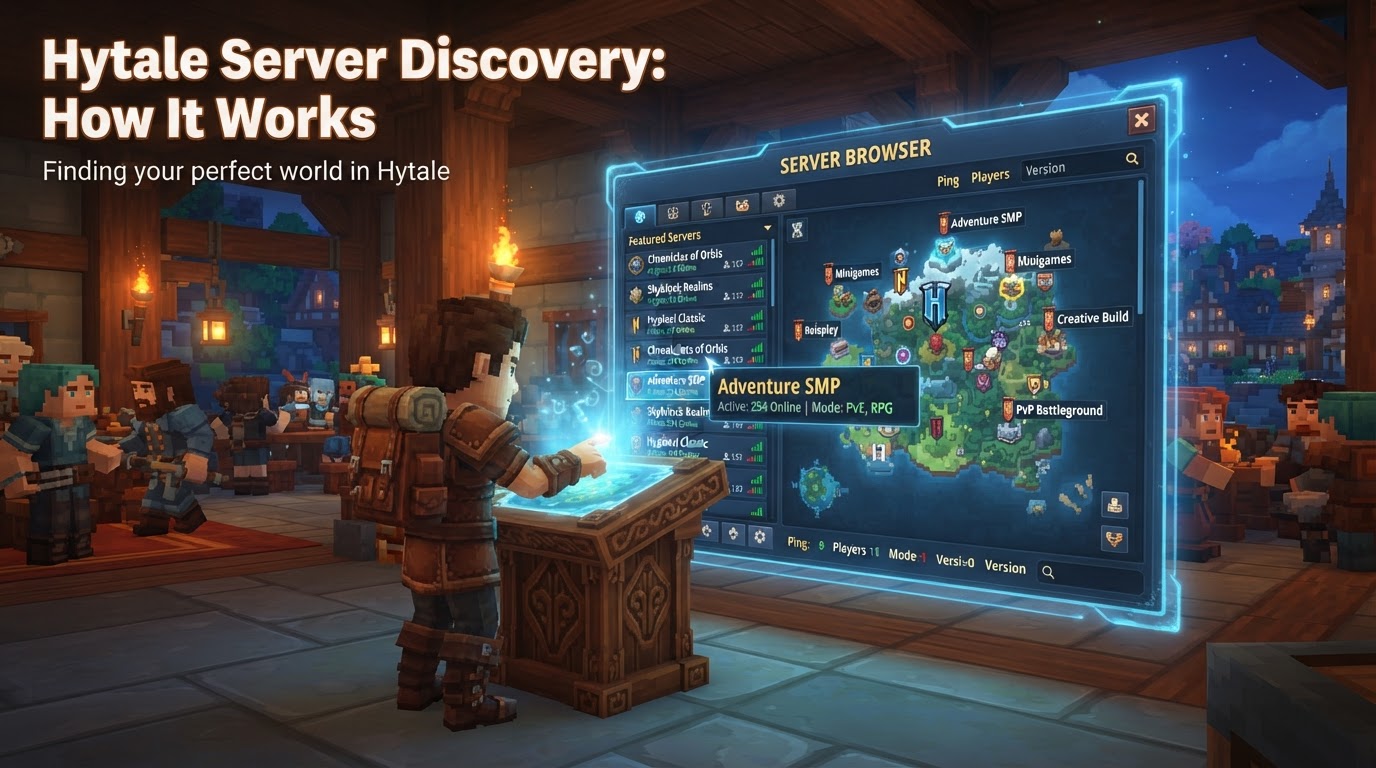
Hytale’s server discovery system, significantly enhanced with Update 5, provides players with a robust, in-game browser to effortlessly find and join community-run dedicated servers. For server owners, this means a structured, multi-step process involving registration, verification, and adherence to specific operational guidelines to ensure their server appears in this prominent listing.
How Hytale Server Discovery Works for Players
The Hytale in-game Server Discovery page, conveniently accessible directly from the main menu, is the central hub for players to explore the vast landscape of community servers without ever needing to leave the game client.
Browsing and Filtering
- Search and Filter: Players can quickly locate servers by typing keywords found in the server’s title or description. Beyond direct search, a comprehensive filtering system allows players to narrow down their options by various tags, such as Survival, Adventure/RPG, Creative, PvP, Minigames, Roleplay, Social, Sandbox, or Other. This ensures players can find the exact type of experience they’re looking for.
- Visibility Metrics: To aid in server selection, the browser prominently displays real-time player counts. Crucially, these counts are gathered directly from client telemetry, not server-reported data, effectively preventing “count spoofing” and ensuring accuracy. Additionally, a “likes” system acts as a soft popularity signal, indicating player appreciation for a server.
- Personalization: Players can personalize their experience by marking preferred servers as favorites for quick access. A “recently played” list also ensures that returning to a familiar server is always straightforward.
- Featured Servers: A dedicated section highlights a small, curated selection of high-quality servers hand-picked by the Hytale team. These featured servers often showcase exceptional community content, innovative gameplay, or exemplary server management.
- Party Integration: The discovery system is designed with social play in mind, supporting parties. This allows groups of friends to browse and join servers together seamlessly. The system can even display party size requirements or restrictions for specific servers, streamlining the group play experience.
- Official vs. Unofficial: The browser clearly differentiates between official servers, which are owned and managed directly by Hypixel Studios (often found under the “Minigames” tab), and the vast array of unofficial, community-run servers.
- Direct Connect: While the in-game browser is the primary method, players still retain the option to connect to servers directly via IP address, bypassing the browser entirely if they already know the server details.
Monetization and Content
Hytale’s ecosystem is designed to support server owners. Plans include integrated payment gateways, and the platform fully supports server-side mods, meaning all custom content and modifications reside on the server, enhancing the uniqueness of each community experience.
How Hytale Server Discovery Works for Owners: Getting Listed
For a community server to appear in the coveted in-game Server Discovery list, owners must follow a precise and mandatory listing workflow. This process ensures quality, security, and adherence to Hytale’s operational standards.
- Create a Server Profile: The initial step involves accessing your Hytale account page on the official website. Here, you will create a detailed server profile, providing essential information such as the server’s name, a compelling description, its primary server type (e.g., Survival, Creative), relevant audience tags, and the geographical regions it primarily serves.
- Domain Verification: To confirm ownership and authenticity, you must verify the domain associated with your server. This is typically achieved by adding a specific DNS TXT record to your domain’s DNS settings. This verification step must be completed within 30 days of creating your server profile.
- Manual Review: Once your profile is complete and verified, you must submit the server listing for a manual review process conducted by the Hytale Team. This critical step ensures that your server adheres to the comprehensive Server Owner Policies established by Hypixel Studios. Approval times for this review can vary, typically ranging from 1 to 7 days. While the exact specifics of these policies are not fully public, they are understood to cover content appropriateness, server performance, and operational stability.
- Generate Discovery Token: Upon successful acceptance of your listing by the Hytale Team, you will be able to generate a unique discovery token directly from your Hytale Server Profile page. This token is essential for the next step.
-
Configure Server Heartbeats: With your unique discovery token in hand, you must configure your dedicated Hytale server to send regular “heartbeats” to the Hytale discovery service. These heartbeats serve as a crucial signal, proving that your server is online and operational. This is typically achieved by executing a command within your server’s console, such as
/discovery link [your_token_here]. Heartbeats should flow approximately every two minutes. - Network Configuration: Proper network setup is paramount. Ensure that UDP port 5520 (the default Hytale port) is open and correctly forwarded on your network. Your server must also be publicly bound and authenticated to allow external connections and ensure heartbeats are successfully transmitted and received.
Tips for Server Discovery and Management
Beyond the technical steps, strategic management and promotion are key to a thriving Hytale server.
- Meet and Maintain Policies: Consistently adhere to Hytale’s Server Owner Policies. Failing to do so can result in your server being delisted or rejected during review.
- Maintain Uptime: A server that is frequently offline will quickly lose its appeal. Consistent uptime is crucial for player retention and visibility in the discovery list.
- Optimize Performance: A smooth, lag-free experience is paramount.
- CPU: Hytale is CPU-intensive, especially for world generation and entity simulation. Prioritize modern CPUs with high single-thread clock speeds (4.5GHz+ recommended) over those with many cores but lower clock speeds.
- RAM: While 4GB might be a minimum, 6-8GB is recommended for most servers. Heavily modded or larger communities will benefit significantly from 10-12GB or more.
- Storage: NVMe SSDs are highly recommended for optimal performance, particularly for fast chunk loading and world generation. Mechanical drives or even slower SATA SSDs can introduce stuttering.
- View Distance: This setting heavily impacts server load. Limit maximum view distance (12 chunks or 384 blocks is a common recommendation) and adjust based on real-world performance.
- External Promotion: While in-game discovery is powerful, complement it with external promotion to reach a broader audience.
- Third-Party Server Lists: Websites like Hyvote, Hytale.Place, and Hytalelobby.com are excellent platforms for broader exposure. Many offer “fair ranking” systems or advertising options.
- Social Media: Utilize platforms such as X, Instagram, TikTok, YouTube, and Discord to share updates, previews, and announcements about your server.
- Content Creators: Collaborate with streamers and video creators to showcase your server to their audiences, introducing your community to new players.
- Differentiate Your Server: Stand out from the crowd by introducing custom features, unique gameplay loops, and regularly refining your content. This encourages player retention and organic recommendations.
- Server Management Tools: Leverage available tools to streamline server operations. This includes the official Hytale Server Manager (a desktop application for installing, launching, updating, and maintaining server instances) or community-developed solutions like HytalePanel (a self-hosted dashboard) and Takaro (a community-built mod offering admin tools, Discord integration, and automated events).
Common Mistakes to Avoid
Understanding potential pitfalls can save server owners significant time and frustration.
- Ignoring Server Owner Policies: Failing to meet the content and operational standards set by Hypixel Studios is a surefire way for a server to not be listed or to be removed from discovery.
- Incorrect Network Configuration: Without proper port forwarding for UDP port 5520 and ensuring the server is publicly bound, players will be unable to connect, rendering discovery efforts useless.
- Lack of Heartbeats: If your server isn’t configured to send regular heartbeats with its unique discovery token, it will not appear as online in the discovery list, even if it’s running.
- Outdated Information: Disregard any old guides that reference registering Hytale servers with Steam’s master servers or Steamworks API. Hytale’s discovery is native to its own launcher and ecosystem.
- Neglecting Performance: Poor server hardware or configuration (e.g., insufficient CPU/RAM, slow storage, excessively high view distance) leads to lag, crashes, and a poor player experience, deterring players regardless of how well it’s discovered.
- Unauthenticated Servers: For those using hosting providers, ensuring the server is properly authenticated with the owner’s Hytale account is crucial for it to be eligible for listing.
- Relying Solely on In-Game Discovery: While powerful, the in-game browser should be seen as one component of a broader strategy. External promotion remains invaluable for reaching diverse player bases and fostering growth.