
Guide
Minimum vs Recommended Specs for Hytale: What’s the Difference?
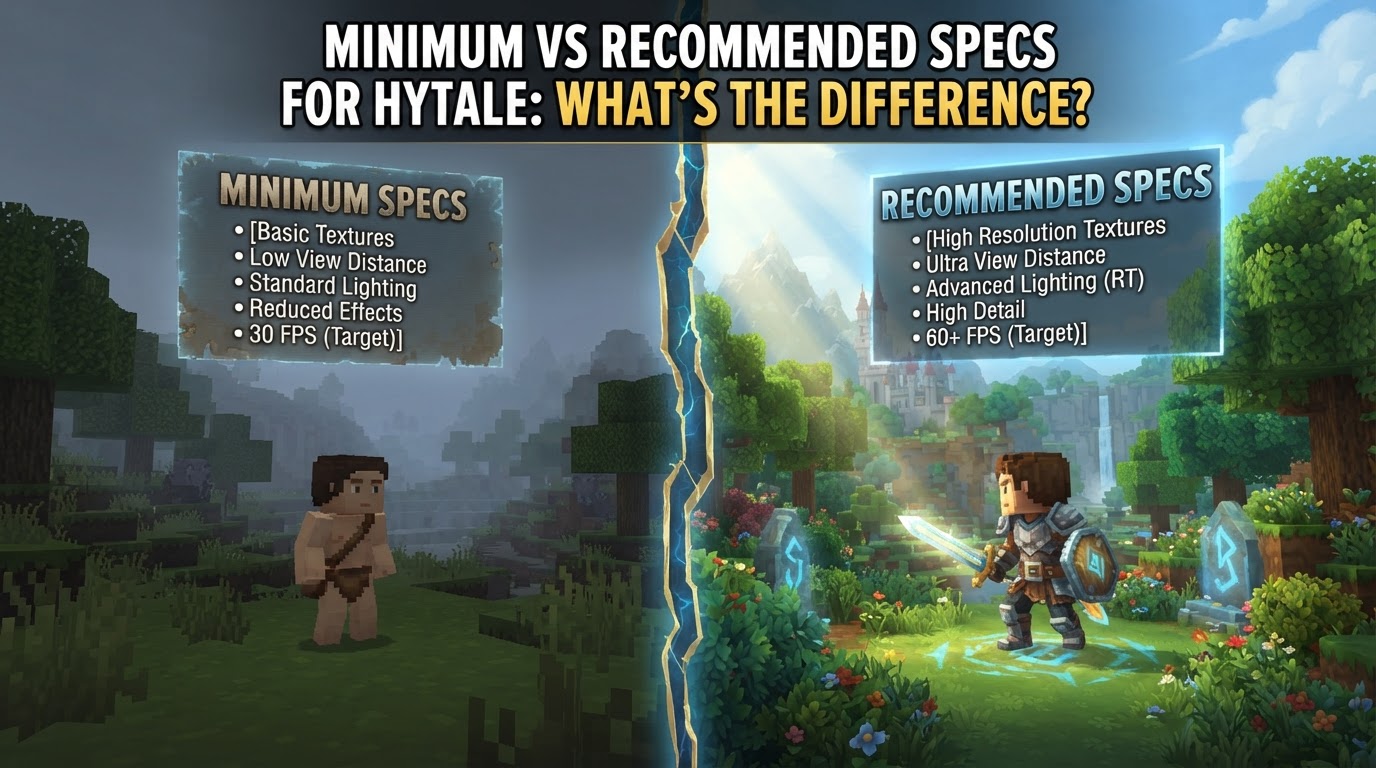
The core difference between minimum and recommended specifications for Hytale lies in the expected performance and visual quality of your gameplay experience. Minimum requirements aim to get the game running at a basic, playable level, while recommended requirements target a smoother, more visually appealing, and generally more enjoyable experience.
Understanding Minimum vs. Recommended Specs
When Hypixel Studios releases system requirements for Hytale, they provide these two distinct tiers to help players gauge what kind of hardware they’ll need. It’s crucial to understand what each tier promises.
Minimum Requirements: The Baseline
Meeting Hytale’s minimum requirements means your computer possesses just enough power to launch and run the game. The goal for these specifications is typically to achieve playable frame rates, often around 30 frames per second (FPS), at a standard 1080p resolution, but with graphics settings set to their lowest presets. This allows access to the game world, its core mechanics, and multiplayer features, but you should expect visual compromises, such as reduced detail, simpler effects, and potentially less fluid gameplay during intense moments. It’s an entry point, not the ideal way to experience Hytale.
Recommended Requirements: The Optimal Experience
The recommended specifications are what Hypixel Studios suggests for a significantly better Hytale experience. Systems meeting these requirements are expected to run the game at a smoother 60+ FPS, still at 1080p resolution, but with graphics settings pushed to high presets. This translates to richer visuals, more detailed environments, smoother animations, and a much more responsive feel during gameplay. For most players looking to fully immerse themselves in Hytale’s world without significant performance concerns, aiming for these specifications is highly advisable.
Beyond Recommended: For Creators and High-Fidelity Play
While not a standard tier, Hypixel Studios also provides “Suggested Setup” specifications. These are for players who aim to push Hytale’s visual fidelity even further, play at higher resolutions like 1440p, or engage in demanding activities such as livestreaming or video recording their gameplay. This tier requires substantially more powerful components, especially in terms of CPU, RAM, and GPU, to handle the additional processing load without compromising the in-game experience.
Official Hytale System Requirements
Hytale entered Early Access on January 13, 2026. Hypixel Studios has released the following official system requirements:
Minimum Specifications (Targeting 1080p @ 30 FPS on Low preset)
- OS: 64-bit Windows 10 (version 1809) or Windows 11. Linux and macOS are also supported.
- CPU: Intel Core i5-7500 or AMD Ryzen 3 1200 (or equivalent).
- RAM:
- Singleplayer with dedicated graphics: 8 GB.
- Singleplayer with integrated graphics: 12 GB.
- Multiplayer-only: 8 GB.
- GPU:
- Integrated: Intel UHD Graphics 620, AMD Radeon Vega 6, or Apple M1 (any variant).
- Dedicated: NVIDIA GTX 900 Series, AMD Radeon 400 Series, or Intel Arc A-Series.
- Note: A graphics card with up-to-date drivers supporting at least OpenGL 4.1 is required.
- Storage: SATA SSD with 20 GB of free space.
- Network: 2 Mbit/s connection for multiplayer (UDP/QUIC compatible).
Recommended Specifications (Targeting 1080p @ 60 FPS on High preset)
- OS: 64-bit Windows 10 (version 1809) or Windows 11. Linux and macOS are also supported.
- CPU: Intel Core i5-10400 or AMD Ryzen 5 3600 (or equivalent).
- RAM: 16 GB.
- GPU:
- Integrated: Intel Iris Xe Graphics, AMD Radeon 660M, or Apple M2 (any variant).
- Dedicated: NVIDIA GTX 900 Series, AMD Radeon 400 Series, or Intel Arc A-Series.
- Note: A graphics card with up-to-date drivers supporting at least OpenGL 4.1 is required. Future versions of Hytale may additionally require support for Vulkan 1.3 and DirectX 12.
- Storage: NVMe SSD with 20 GB of free space.
- Network: 8 Mbit/s connection for multiplayer (UDP/QUIC compatible).
Suggested Setup for Streaming and Recording (at 1440p)
- CPU: Intel Core i7-10700K or AMD Ryzen 7 3800X (or equivalent).
- RAM: 32 GB.
- GPU: NVIDIA RTX 30 Series, AMD Radeon RX 7000 Series, or Intel Arc A-Series (newer GPUs offer better video quality for livestreaming).
- Storage: NVMe SSD with at least 10% (or 50 GB) free space; a separate drive for video recording is recommended.
Why Hytale’s Requirements Matter: Core Mechanics and Performance
Hytale’s unique design, built on a custom engine for vast, editable voxel worlds, influences which hardware components are most critical for performance.
The CPU and RAM Advantage
Unlike many modern games that are heavily GPU-bound, Hytale’s voxel-based nature places significant demands on your Central Processing Unit (CPU) and Random Access Memory (RAM). The CPU is constantly busy handling world loading, complex simulations, artificial intelligence for numerous entities, and processing countless simultaneous player and environmental interactions. Sufficient RAM is essential to hold all this dynamic world data, textures, and assets in active memory for quick access. This means a strong CPU and ample RAM are often more impactful for a smooth Hytale experience than raw GPU power, especially in single-player or modded scenarios.
The Impact of View Distance
View distance is a critical performance lever in any voxel game, and Hytale is no exception. Increasing the view distance drastically escalates the load on both your CPU and memory. More of the world, including its intricate blocks, dynamic entities, lighting calculations, and visual effects, must be processed, simulated, and rendered. If you find your frame rates dropping, adjusting this setting is usually the first and most effective step to improve performance.
Modding and Performance
Hytale is designed with modding at its core, allowing players to extensively customize their experience. However, community-created mods can introduce significant performance overheads. Depending on their complexity and functionality – whether they add new entities, advanced shaders, or intricate game logic – mods can push your system’s hardware requirements well beyond those of the vanilla game. Be mindful that heavily modded instances may require hardware closer to or even exceeding the recommended specifications.
Multiplayer Network Considerations
For multiplayer gameplay, your internet connection plays a vital role. Hytale’s server architecture utilizes the efficient QUIC (UDP) protocol for networking, which helps minimize latency and improve data transfer. However, a stable connection meeting the minimum (2 Mbit/s) or recommended (8 Mbit/s) speeds is crucial to avoid lag, desynchronization, and other network-related issues that can severely impact your multiplayer experience.
How to Check Your PC’s Readiness for Hytale
Before Hytale launches, it’s wise to check if your current system meets the requirements. Here’s how:
- Identify Your Components:
- Operating System (OS): On Windows, type “About your PC” into the search bar and open the settings. On macOS, click the Apple menu in the top-left corner and select “About This Mac.”
- CPU and RAM: This information is typically found in the same “About” section of your OS. Look for “Processor” (CPU) and “Installed RAM.”
- GPU (Graphics Card):
- Windows: Type “dxdiag” into the search bar and press Enter. In the DirectX Diagnostic Tool, go to the “Display” tab to see your GPU model.
- macOS: In “About This Mac,” click “System Report…” then navigate to “Graphics/Displays.”
- Compare with Hytale’s Specs: Cross-reference your identified hardware with the minimum and recommended requirements provided above.
- Update Graphics Drivers: Visit the official website of your GPU manufacturer (NVIDIA, AMD, Intel, or Apple for macOS updates) and download the latest drivers for your specific graphics card. This is crucial for performance and compatibility.
- Check Storage: Ensure you have at least 20 GB of free space on an SSD. On Windows, open “This PC” or “My Computer” to see your drives and free space. Note whether your SSD is SATA or NVMe, as NVMe is recommended for better performance.
Tips for Optimizing Your Hytale Experience
- Prioritize CPU and RAM: For the best single-player performance, especially with mods or high view distances, invest in a strong CPU and ensure you have at least 16 GB of RAM.
- Use an SSD: An SSD is a hard requirement. For optimal loading times and overall responsiveness, an NVMe SSD is preferred over a SATA SSD.
- Manage View Distance: If you encounter frame rate drops, reducing the in-game view distance is usually the most impactful setting to adjust for immediate performance gains.
- Close Background Applications: Free up valuable CPU and RAM resources by closing any unnecessary programs running in the background while playing Hytale.
- Dedicated GPU for Single Player: While integrated graphics can run the game, a dedicated graphics card will generally provide a more stable frame rate and better visual quality. Remember, integrated graphics require more RAM (12 GB minimum) than dedicated GPUs (8 GB minimum) for single-player.
- Consider Cloud Gaming: If your current hardware falls short, cloud gaming services like GeForce Now might offer a viable way to play Hytale without upgrading your PC.
Common Pitfalls to Avoid When Assessing Your System
- Underestimating CPU/RAM in Voxel Games: Many players mistakenly believe the GPU is the sole determinant of game performance. For Hytale, the CPU and RAM are equally, if not more, critical for handling the complex world simulation.
- Confusing Minimum with “Good Experience”: Meeting minimum specs means the game will run, but not necessarily well. Expect lower frame rates, reduced visual fidelity, and potential stutters. For a truly enjoyable experience, aim for recommended specifications.
- Ignoring Storage Type: Hytale explicitly requires an SSD. Attempting to run it from a traditional Hard Disk Drive (HDD) will lead to extremely long loading times, texture pop-in, and overall poor performance.
- Outdated Graphics Drivers: Playing with old graphics drivers is a common cause of performance issues, graphical glitches, and even game crashes. Always keep them updated.
- Overlooking Network Speed for Multiplayer: A fast and stable internet connection is just as important as your PC hardware for a smooth multiplayer experience. Don’t neglect your network speed and stability.
Important Considerations for Early Access
As Hytale is in Early Access, it’s important to keep the following in mind:
- Evolving Requirements: Performance and system requirements may shift as the game undergoes further optimization and content additions. Hypixel Studios will likely continue to refine these specifications.
- Future API Support: While OpenGL 4.1 is currently required, future versions of Hytale may also necessitate support for Vulkan 1.3 and DirectX 12, so keeping your GPU drivers updated is paramount.
- Variable Mod Impact: The performance impact of community-created mods is highly unpredictable. A simple mod might have no effect, while a complex one could significantly increase hardware demands.