
Guide
How to Download Hytale (Step-by-Step Guide)
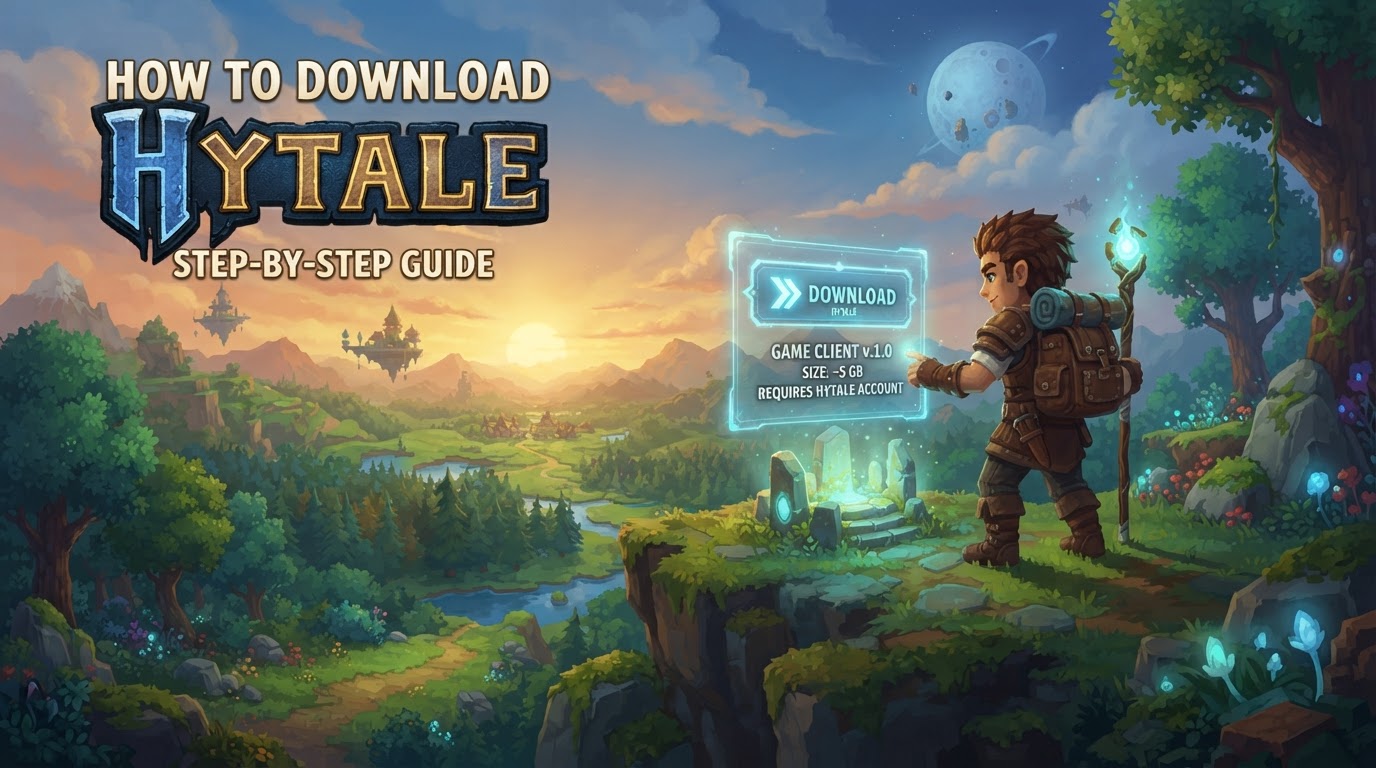
To download and play Hytale, you must purchase the game directly from the official Hytale website. Hytale entered early access on January 13, 2026, for PC platforms (Windows, macOS, and Linux). It is crucial to understand that Hytale is not available on third-party digital storefronts like Steam or the Epic Games Store during its early access phase. All legitimate downloads and purchases are handled exclusively through the official Hytale portal to ensure security, authenticity, and direct support for the game’s development.
Essential Pre-Download Information
Before you begin the download process, it’s helpful to be aware of a few key details and ensure your system meets the necessary requirements to run Hytale smoothly.
System Requirements for Hytale (Early Access)
While official, final system requirements may evolve, here are the recommended specifications based on typical early access sandbox titles:
- Operating System: Windows 10 (64-bit) or newer, macOS 10.15 (Catalina) or newer, or a modern Linux distribution (e.g., Ubuntu 20.04+).
- Processor (CPU): Intel Core i5 (6th Generation or newer) or AMD Ryzen 5 (1600 or newer).
- Memory (RAM): 8 GB RAM.
- Graphics Card (GPU): NVIDIA GeForce GTX 970 (4GB VRAM) or AMD Radeon RX 580 (4GB VRAM) or equivalent.
- Storage: At least 50 GB of available space. An SSD (Solid State Drive) is highly recommended for faster loading times and smoother gameplay.
- Internet Connection: A stable broadband internet connection is required for downloading the game, updates, and for online multiplayer functionality.
Meeting these specifications will provide the best experience during Hytale’s early access, which may still be undergoing optimization.
How to Download Hytale: A Step-by-Step Guide
Follow these steps carefully to acquire, install, and play Hytale on your compatible PC.
-
Visit the Official Hytale Website
Your journey begins at the one and only official source:
Hytale.com. It is imperative to only use this URL to avoid phishing scams, unofficial downloads, or fraudulent websites. The official site is where you will create your account, make your purchase, and download the legitimate Hytale Launcher. -
Create a Hytale Account
If you haven’t already, you will need to create a Hytale account. Look for a “Sign Up” or “Create Account” option on the official website. This process typically involves providing an email address, choosing a unique username, and setting a strong, secure password. Ensure you use an email address you have regular access to, as it will be used for account verification and important communications regarding your game and updates.
-
Purchase the Game
Navigate to the “Purchase” section or “Hytale Store” on the official website. Hytale is a paid title, and its early access phase offers different editions. As of its early access launch, these editions typically include:
- Standard Edition: The base game, providing full access to all early access content.
- Supporter Edition: Includes the base game plus additional cosmetic items or early access perks, offering a way to further support the development team.
- Cursebreaker (Founder’s Edition): The premium edition, often including exclusive cosmetic items, early access benefits, and potentially future content passes, designed for those who wish to provide maximum support.
Select the edition you wish to purchase. You will be guided through a secure payment process, typically accepting major credit cards and potentially other digital payment methods. Double-check your order before finalizing the purchase.
-
Download the Hytale Launcher
After successfully purchasing the game, or sometimes even before, you will be directed to a download page for the official Hytale Launcher. This page is usually found under your account dashboard or a dedicated “Download” section, such as
accounts.hytale.com/download.The website is designed to automatically detect your operating system (Windows, macOS, or Linux) and suggest the correct launcher download. However, you should verify that the correct version is being downloaded, and you may have the option to manually select a different OS if needed (e.g., if you’re downloading on one machine for installation on another).
The Hytale Launcher is a critical component; it manages the installation of the game files, handles updates, and provides access to your game profiles and settings.
-
Install the Hytale Launcher
Once the launcher file has finished downloading, proceed with its installation:
- For Windows: Locate the downloaded
.exefile (e.g.,HytaleLauncherSetup.exe) and double-click it to begin the installation wizard. Follow the on-screen prompts, which will typically ask you to accept a license agreement, choose an installation directory for the launcher itself, and potentially a default game installation folder. Click “Install” and then “Finish” to complete the process and launch the Hytale Launcher. - For macOS: Open the downloaded
.dmgfile. This will usually present a window where you can drag the Hytale Launcher application icon into your Applications folder. Once copied, you can eject the.dmgand find the Hytale Launcher in your Applications. - For Linux: Installation steps can vary depending on your distribution. Typically, you might download an AppImage, a
.debpackage, or a.rpmpackage. Follow the specific instructions provided on the Hytale download page for your chosen Linux distribution.
- For Windows: Locate the downloaded
-
Log In to the Launcher
Open the newly installed Hytale Launcher. You will be prompted to log in. Use the exact Hytale account credentials (email and password) that you created earlier and used to purchase the game. The launcher will then connect to Hytale’s servers to verify your game ownership and account status.
-
Install Hytale
After successfully logging in, the launcher will recognize your purchase. You will see an “Install” button. Click this button to begin downloading the main Hytale game files. This process can take a significant amount of time, depending on your internet connection speed and the size of the game files (which can be tens of gigabytes). The launcher will display a progress bar, indicating the download and installation status. Ensure you have a stable internet connection and sufficient disk space.
-
Play Hytale
Once the game files have been fully downloaded and installed, the “Install” button will change to a “Play” button. Click “Play” to launch Hytale. On your first launch, you might be asked to configure graphics settings, create your in-game character, or select a game profile. Congratulations, you are now ready to explore the world of Hytale!
Tips for a Smooth Hytale Download and Play Experience
- Official Sources Only: Always download the Hytale Launcher and any game updates exclusively from the official Hytale website. This is your best defense against malware, viruses, and fraudulent versions of the game.
- Account Linking: Ensure that the Hytale account you use to log into the launcher is the same account that you used to purchase the game. Mismatched accounts will prevent the launcher from verifying your ownership and installing the game.
- Creator Codes: When making your purchase on the official Hytale website, you may have the option to enter a “Creator Code.” This allows you to support your favorite Hytale content creators or streamers at no additional cost to you, as a small portion of your purchase is attributed to them.
Common Mistakes and Important Considerations
- Looking on Steam/Epic Games Store: A frequent misconception is that Hytale will be available on major PC storefronts. During its early access phase, Hytale is exclusively distributed via its own official launcher. Do not expect to find it on Steam, Epic Games Store, or similar platforms.
-
Downloading from Unofficial Sites: Never attempt to download Hytale from third-party websites, torrents, or unofficial forums. These sources are highly likely to contain malicious software, outdated versions, or simply be scams. Always use
Hytale.com. - Understanding Early Access: Hytale is currently in early access. This means players should set appropriate expectations. The game will likely contain bugs, incomplete features, and performance issues. The development team will release frequent updates, which may introduce significant changes to gameplay mechanics, world generation, or progression systems. Your feedback as an early access player is valuable to the ongoing development.
- Initial Launch Day Stress: While the very first hours of early access on January 13, 2026, might have seen heavy server traffic, impacting downloads or initial logins, these specific issues generally subside over time. However, major game updates or content releases can still temporarily strain servers. If you encounter slow downloads or login issues, patience is often the best approach.