
Guide
How to Add Redstone-Style Logic to Hytale With Mods
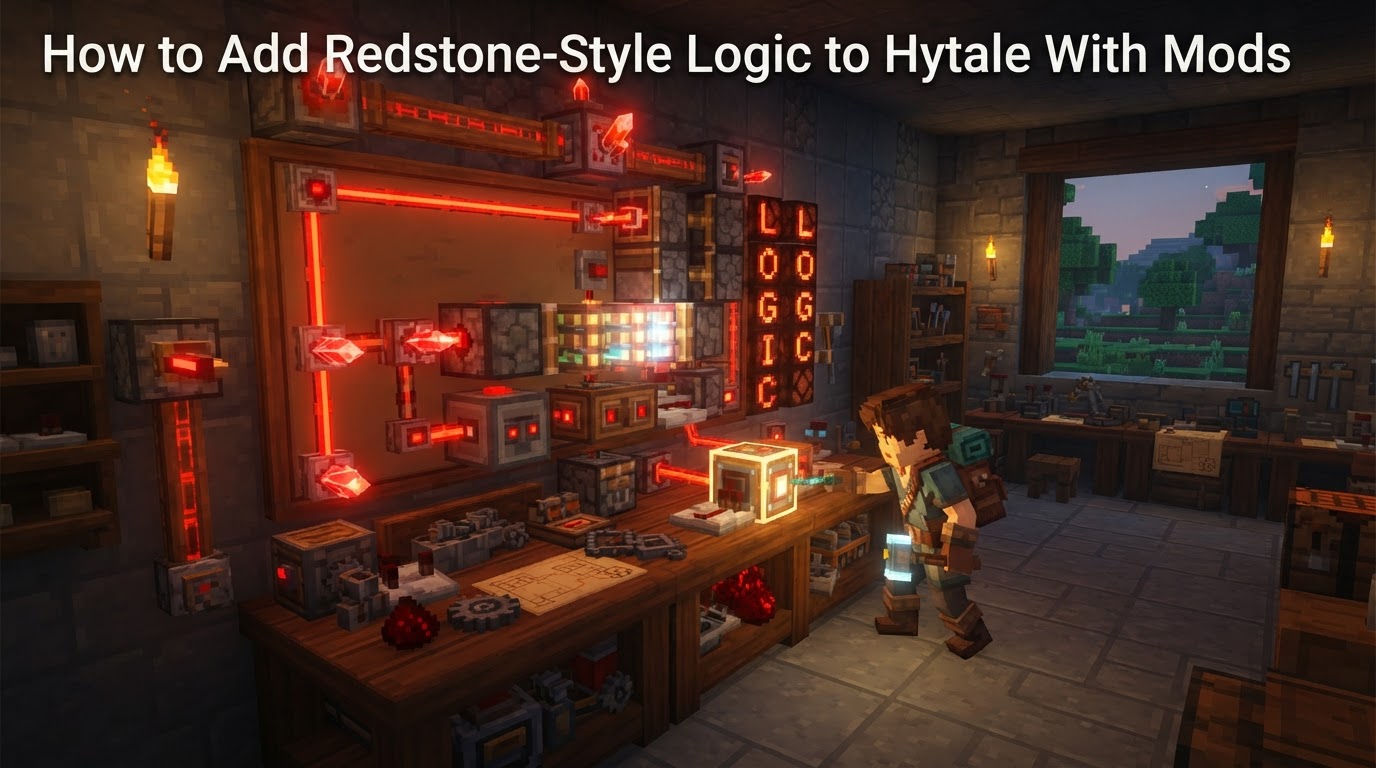
While Hytale does not feature a native Redstone-like system in its base game, its robust modding capabilities allow players to introduce sophisticated Redstone-style logic through community-developed modifications and server-side scripting. This guide will detail how to integrate these advanced mechanical and electrical systems into your Hytale experience.
How to Implement Redstone-Style Logic in Hytale
There are primarily two avenues for bringing Redstone-style logic to Hytale: leveraging community-created mods that introduce new mechanics, or utilizing custom server plugins and the upcoming visual scripting system for deeper, programmatic control.
1. Community-Created Redstone-Style Mods
The Hytale modding community is actively developing and releasing mods designed to replicate the functionality of Redstone. These mods typically introduce new craftable items and blocks that mimic the behavior of conductive wires, power sources, logic gates, and mechanical components.
Notable Redstone-Style Mods
Logica
The Logica mod is a prominent example, explicitly aiming to bring a comprehensive circuit and logic system to Hytale, drawing heavy inspiration from similar systems in other block-based games. It introduces a wide array of components for complex contraptions.
- Mechanics:
- Copper Wire: Functions as the standard conductive element. It transmits signals, but its energy level decreases by 1 for every block it travels, resulting in signal decay from a maximum of 15 down to 0.
- Golden Wire: An advanced conductive wire designed to transmit signals without any energy loss over distance, ideal for long-range power transmission.
- Repeater: Used to refresh a decaying signal back to its full strength (15) or to introduce a specific delay into a circuit, crucial for timing mechanisms.
- Triggers: Includes familiar input devices such as
LeversandButtonsto activate and deactivate circuits. - Lamps: Light sources that can be toggled on or off by receiving an energy signal from a circuit.
- Piston & Sticky Piston: Mechanical blocks that push other blocks when powered.
Sticky Pistonsalso pull blocks back when their power signal is removed. - Observer: A sensor block that emits a signal when it detects a block update in front of it. Currently, it tracks block placement and breaking events, with state changes as a work-in-progress feature.
- Item Transport: Includes
Pipesfor transferring items between storage containers like chests, andVacuum Pipesthat automatically collect dropped items within a 4x4x4 block area. - Fan Block: Pushes entities away from it, with the strength of the push scaling proportionally to the input energy signal it receives.
- Exact Steps for Installation and Use (General for CurseForge Mods):
- Install a Compatible Mod Launcher: The CurseForge app is a widely used platform for managing and installing Hytale mods. Download and install it if you haven’t already.
- Search for the Mod: Within the mod launcher, use the search function to find
Logicaor other Redstone-style mods. - Install the Mod: Follow the launcher’s instructions to install the selected mod into your Hytale game directory. Ensure the mod is enabled before launching the game.
- Craft Components In-Game: Once in Hytale, you will typically need to craft an
Engineer's Workbench, which serves as the primary crafting station forLogicacomponents. The mod’s documentation or in-game recipe book will provide specific crafting recipes for items likeRedstone Dust(often crafted fromRed Crystal Shards),Redstone Torch(Stick,Redstone Dust), andRedstone Block(compressedRedstone Dust).
Redstone
Another mod, simply named Redstone, available on platforms like CurseForge, aims to provide classic engineering and mechanical logic with a focus on core Redstone-like functionalities.
- Mechanics:
- Redstone Dust: The primary conductor for energy, featuring a functional signal strength system.
- Power Sources: Includes blocks like
Redstone BlocksandRedstone Torchesto provide continuous or temporary power. - Repeater: Used to refresh signal strength over distance or to introduce precise delays into circuits.
- Comparator: A more advanced logic component capable of comparing or subtracting signal strengths, enabling complex logic gates and item detection.
- Full Interaction: Designed to be fully compatible with Hytale’s existing interactive blocks such as doors, trapdoors, and lamps, allowing for seamless integration.
“PulseStone” (Work-in-Progress)
Community members are actively developing new mods. For instance, a mod known as “PulseStone” is in development, aiming to offer similar logic to Redstone but with a distinct Hytale aesthetic, including unique power blocks, wiring, and relays.
2. Custom Server Plugins and Visual Scripting
Beyond client-side mods, Hytale’s architecture supports powerful server-side modifications and a planned visual scripting system, offering even deeper control over game logic.
Server Plugins (Java/Lua)
Hytale allows for extensive server-side modding through plugins, primarily using programming languages like Java or Lua. This method offers unparalleled flexibility for creating custom logic.
- Mechanics: Programmers can develop highly customized logic systems, implement complex behaviors, create new commands, and introduce unique gameplay mechanics that interact directly with the Hytale API. This allows for creating custom Redstone-like components or entirely new logic systems that are not limited by existing block types.
- Exact Steps:
- Acquire Programming Knowledge: Proficiency in Java or Lua is essential, as is an understanding of object-oriented programming concepts.
- Set Up a Development Environment: Install necessary tools such as a Java Development Kit (JDK) and an Integrated Development Environment (IDE) like IntelliJ IDEA or Eclipse.
- Learn Hytale’s API: Familiarize yourself with the Hytale server-side API documentation to understand how to interact with game elements, events, and player actions.
- Write and Compile Code: Develop your custom logic. For Java, this involves writing
.javafiles and compiling them into a.jarfile. For Lua, scripts are typically interpreted directly. - Deploy to Server: Place the compiled
.jarfile (for Java) or Lua scripts into the appropriate plugins directory on your Hytale server. - Configure and Run: Start or restart your Hytale server to load the plugin. Configuration may be required via generated files or in-game commands.
- Uncertainty: While Lua scripting is available for server-side modifications in Early Access, the game’s engine rewrite to C++ may influence the preferred or required language for server plugins in the future.
Visual Scripting (Coming Soon)
Hytale plans to implement a powerful visual scripting system, akin to Unreal Engine’s Blueprints or Unity’s Bolt. This system aims to make complex logic creation accessible to a broader audience.
- Mechanics: This system will empower designers to construct logic visually by connecting nodes, eliminating the need to write code directly. Programmers will be able to extend the system by creating new nodes using Java, providing a flexible framework. It is designed to be user-friendly and safe for sharing custom logic. A key feature is expected to be “in-world editing,” allowing users to link interactive elements like levers, doors, and triggers directly within the 3D game environment.
- Uncertainty: This highly anticipated feature will not be available at Hytale’s initial launch but is expected to be introduced “shortly after launch,” evolving as the game matures.
Tips for Using Redstone-Style Logic (Applicable to Mods)
- Start Simple: Begin with basic circuits, such as powering a single lamp with a lever or activating a door with a button, to grasp the fundamental concepts.
- Understand Signal Strength and Decay: Be aware that many basic conductive elements (like copper wires in
Logica) lose signal strength over distance. Plan to incorporate repeaters or use signal-lossless wires for long-distance transmissions. - Plan Your Layout: Before building, consider sketching out your circuit design. This helps prevent clutter, optimizes space, and ensures efficient operation.
- Test Components Individually: Verify that each part of your circuit functions as intended before integrating it into a larger, more complex system.
- Utilize Mod Documentation: Always refer to the specific mod’s documentation for exact crafting recipes, detailed component behaviors, and any unique features or limitations.
- Leverage Community Resources: Join Hytale community Discords, forums, or subreddits. These platforms are excellent for seeking help, sharing designs, and finding inspiration from other mod users.
Common Mistakes
- Ignoring Signal Decay: A frequent error is not accounting for signal loss over distance, leading to circuits that fail to power components at the end of a long line.
- Overcomplicating Designs: Attempting to build overly intricate contraptions without first mastering basic logic gates can lead to frustration and difficult-to-debug systems.
- Incorrect Component Placement: Ensuring that wires are correctly connected to components and that power sources are properly aligned and facing the correct direction is crucial.
- Not Troubleshooting Systematically: When a circuit malfunctions, avoid trying to fix everything at once. Instead, check each component and connection point methodically to isolate the problem.
- Assuming 1:1 Behavior: While Hytale mods are heavily influenced by existing Redstone systems, they may have subtle differences in how their logic components behave. Always check mod-specific details rather than assuming identical functionality.
As Hytale is in Early Access, the specifics of modding tools, APIs, and even the availability and features of community mods are subject to change. Always refer to the most current information provided by mod developers and official Hytale channels for the most up-to-date guidance.