
Guide
Hytale x Hypixel Minecraft Server: Any Crossover Content?
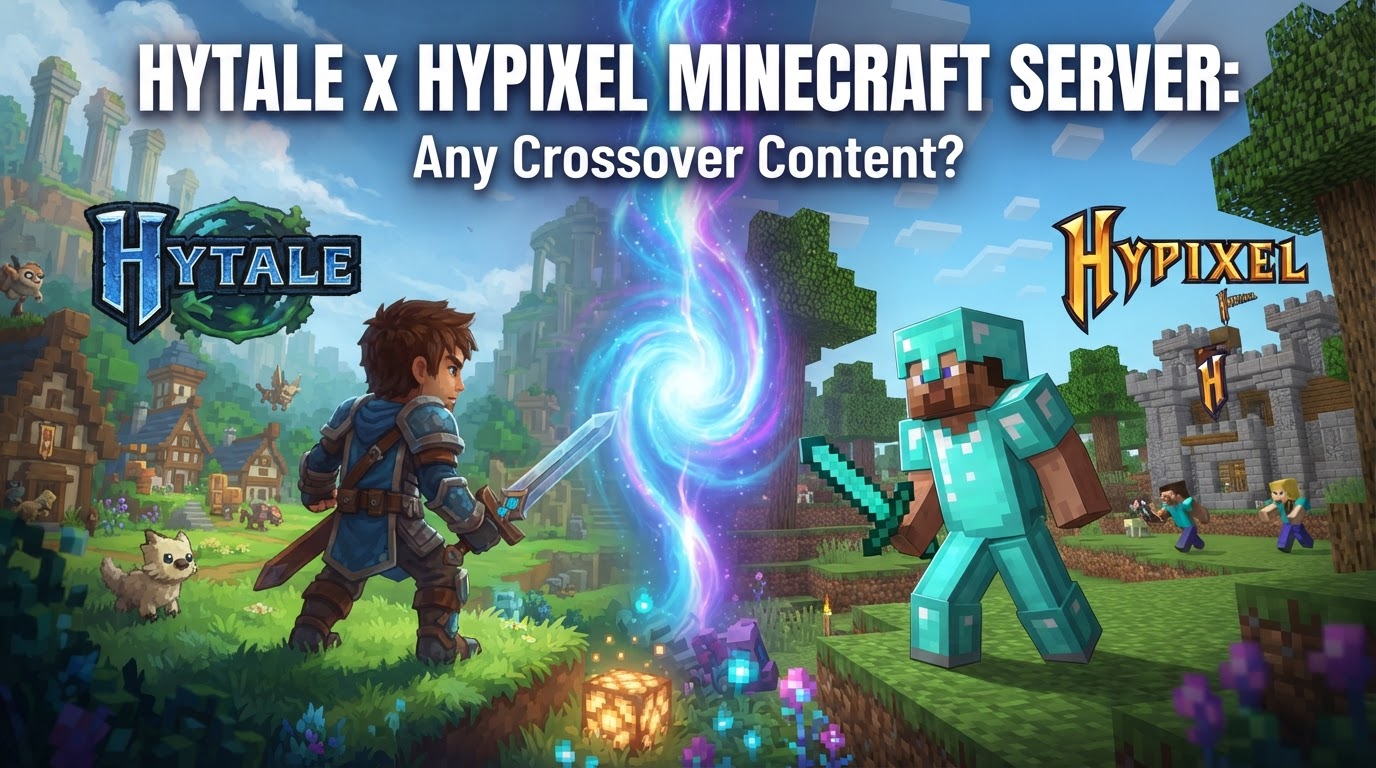
While there is no direct, built-in content crossover that seamlessly integrates the Hypixel Minecraft server with Hytale, the relationship between the two platforms is profoundly significant due to their shared lineage and design philosophies. Hypixel Studios, the developers behind Hytale, originated from the very team that created the immensely popular Hypixel Minecraft server. This means that while you won’t be porting your Minecraft Hypixel progress into Hytale, you will find spiritual successors and recreated experiences within Hytale, designed by the same creative minds.
Shared Lineage and Design Philosophy
The core connection between Hytale and the Hypixel Minecraft server is the development team itself. Hypixel Studios was formed by the creators of the Hypixel server, bringing their vast experience in creating engaging multiplayer experiences, robust minigames, and fostering a vibrant community to the development of Hytale. This background directly influences Hytale’s design, which prioritizes server-side modding, extensive creator tools, and a platform built from the ground up to support large-scale, custom multiplayer content.
Recreated Minigames within Hytale
One of the most anticipated aspects of Hytale for fans of the Hypixel Minecraft server is the promise of familiar gameplay experiences. Instead of a direct crossover, many of the popular minigames from the Hypixel Minecraft server, such as SkyWars, BedWars, and Survival Games, have been reimagined and recreated within Hytale. This means that players can expect to find similar, if not enhanced, gameplay modes within the Hytale environment, developed by the same creative team that made them famous. These recreations leverage Hytale’s more advanced engine and dedicated modding tools, potentially offering richer experiences than their Minecraft counterparts.
Hytale as a Modding and Server-Focused Platform
Hytale was engineered from its inception to overcome the technical limitations inherent in the Minecraft engine. It provides a far more robust and flexible platform for large-scale, custom servers and comprehensive modding. The game is designed to support community servers and server-side modding from day one, offering integrated tools for creators. This architectural choice is a direct result of the Hypixel team’s experience struggling with Minecraft’s constraints, allowing Hytale to natively support the kind of complex, custom content that made the Hypixel server so successful.
Unofficial Minecraft-Hytale Crossplay (Modder-driven)
While official cross-game content is not a feature, a notable technical feat has been achieved by a modder named “iamcxv7,” who successfully created unofficial crossplay between Minecraft and Hytale. This experimental mod allows players from both games to exist in the same world, interact, build, and chat, with characters rendered in their respective game styles. It’s important to note that this mod is not publicly available yet and is described as unstable. Its existence demonstrates the technical possibility but does not indicate official support or a stable, widespread solution for cross-platform play.
How to Play Hytale Multiplayer (Relevant for Hypixel-like Content)
Hytale offers multiple streamlined ways to play with friends, which would apply to any server running Hypixel-like content within Hytale:
1. Hosting a World for Friends
This method allows you to easily share your single-player experience with a small group of friends.
- Load into your single-player world.
- Press
ESCto open the pause menu. - Click “Online Play”.
- Toggle “Allow Other Players to Join” to ON.
- (Optional) Set a password for restricted access and choose whether to embed it in the share code for convenience.
- Click “Save”.
- A “Share Code” will appear; copy and share this code with your friends.
2. Joining a Friend’s World
If a friend is hosting a world, joining them is straightforward.
- From the main menu, go to “Servers”.
- Click “Join via Code”.
- Paste the share code provided by the host.
- Enter the password if required (and not embedded in the code).
- Click “Connect”.
3. Joining a Dedicated Server (e.g., a Hytale server hosting recreated Hypixel content)
For more persistent and larger-scale experiences, you’ll connect to dedicated servers.
- Obtain the server’s IP address (and port, if specified).
- In Hytale’s main menu, select “Servers”.
- Select “Direct Connect” and paste the IP address to connect.
- (Optional) Use “Add a Server” to save the server to your list for easier access in the future.
Tips for Creating and Playing Hypixel-like Content in Hytale
- Server-Side Modding: Hytale’s “server-side first” modding approach is a game-changer. When you connect to a modded Hytale server, all custom content (blocks, items, NPCs, UI changes, minigame logic) is automatically delivered to your client. This eliminates the need for manual client-side mod installations, simplifying the experience for players joining modded servers and ensuring compatibility.
- Utilize Creator Tools: Hytale provides professional-grade creation tools directly within the game, including an in-game 3D model maker, animation toolkit, and a powerful scripting system. These tools empower players and server owners to create custom content and experiences, including intricate minigames that rival those found on the Hypixel Minecraft server.
- Dedicated Server Hosting: For a stable, persistent, and high-performance multiplayer experience, especially for large-scale minigames or communities, consider renting a dedicated server from a trusted host. Hypixel Studios has recommended several hosting groups, and the official Hytale Server Manual provides detailed information on setting up and managing servers effectively.
Common Mistakes to Avoid
- Confusing Hytale with a Minecraft Server: Hytale is a standalone game, not a mod or an extension of Minecraft. While developed by the same team, you cannot directly transfer your Minecraft Hypixel server progress or content into Hytale. They are distinct platforms.
- Expecting Immediate Official Minecraft Crossplay: While a modder has shown technical feasibility, official crossplay between Minecraft and Hytale is not a current feature. The existing mod is unofficial, experimental, unstable, and not publicly released, so do not expect seamless integration.
- Ignoring Server Manual for Self-Hosting: Manually creating and managing your own Hytale server requires careful attention to detail. Always review and follow the Official Server Manual to avoid invalid configurations, performance issues, and various other problems that can arise from improper setup.
- Outdated Client/Server Versions: Hytale’s protocol verifies client-server compatibility using a hash. If your client version does not match the server’s version, the connection will be rejected. Server operators need to update their servers immediately when new game updates are released to ensure player connectivity.
Uncertainties
- Official Cross-Game Content: As of now, there is no official statement or plan for a direct, built-in content crossover or interoperability between the Hypixel Minecraft server and Hytale, beyond the spiritual successor aspect and recreated minigames.
- Availability and Stability of Unofficial Crossplay Mod: The modder-created Minecraft-Hytale crossplay is still highly experimental, unstable, and not publicly available. Its future development, public release, and long-term stability remain uncertain.
Contextual Information
Hytale had a complex development history, including a period where its future was uncertain before being repurchased and revived by its original founder, Simon Collins-Laflamme. The game officially launched into early access on January 13, 2026. Hytale focuses on offering a robust sandbox experience with deep RPG elements, extensive procedural generation, and powerful creator tools, building directly on the Hypixel team’s extensive experience with community-driven content and large-scale multiplayer environments.