
Guide
Free vs Paid Hytale Server Hosting: Which Is Better?
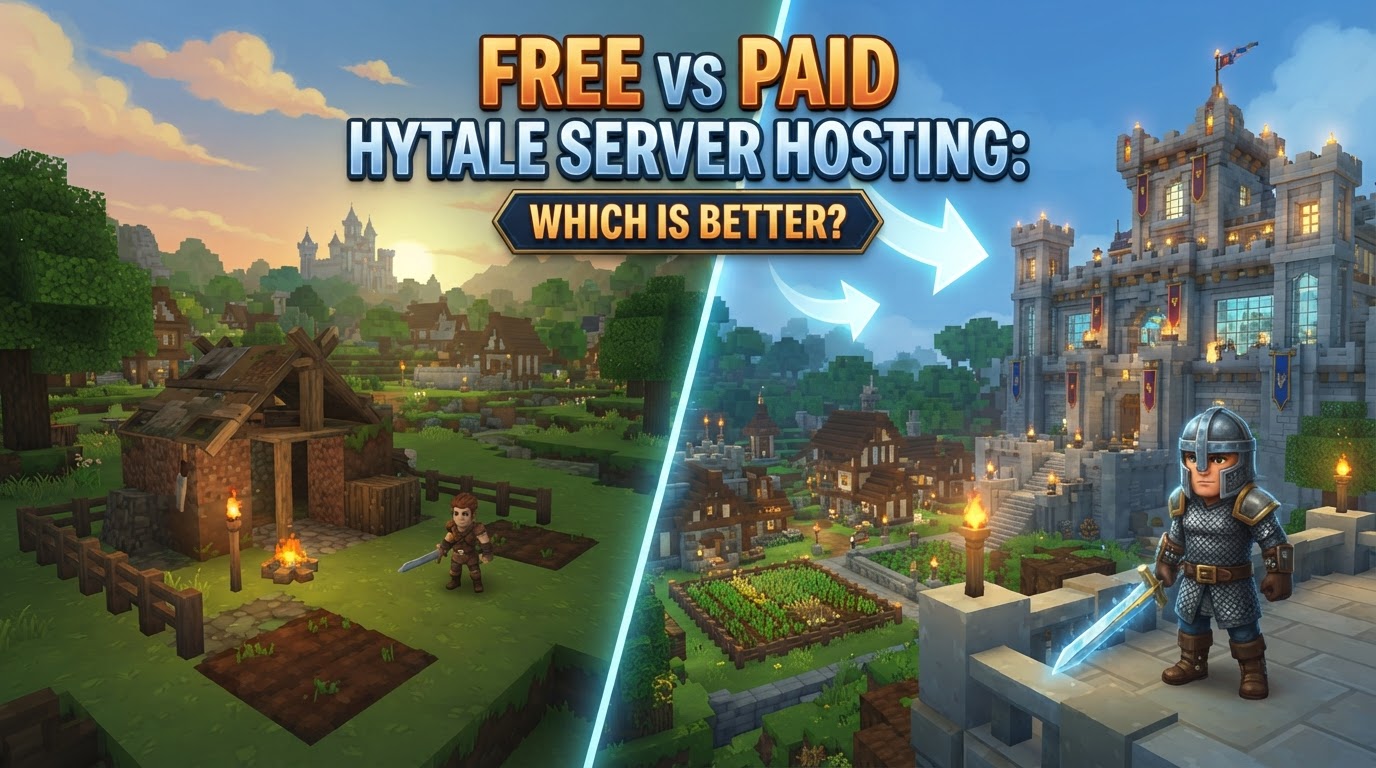
For most Hytale players looking to establish a persistent world for themselves and others, paid Hytale server hosting is generally the superior choice due to its reliability, performance, ease of use, and dedicated support. While free self-hosting offers complete control and no recurring monetary cost, it comes with significant technical demands, performance limitations, and security considerations that make it less practical for the average user or growing community.
Free Hytale Server Hosting (Self-Hosting)
Self-hosting a Hytale server involves running the server software directly on your own computer or dedicated hardware. This method grants you absolute control over every aspect of your Hytale world, from player access rules to game mechanics. The server software continuously processes player actions, world modifications, combat encounters, and AI behaviors, synchronizing these elements across all connected players.
Exact Steps to Self-Host a Hytale Server
- Verify System Requirements: Before anything else, ensure your hardware meets the necessary specifications. While the Hytale server software can technically run with 4GB of RAM, 6GB is strongly recommended for a stable experience with small groups (4-8 players) to prevent crashes as the world generates and loads more chunks. A modern CPU (manufactured within the last five years) and at least 10GB of available storage are also essential.
- Install Java: Hytale servers require a specific Java environment. You must install Java 25 on your system.
- Download Server Files: Obtain the official Hytale server files. These are typically provided by Hypixel Studios through their official channels or developer portals.
- Start the Server: Navigate to the directory where you saved the server files. Execute the start-up script, which is often a batch file (
.bat) on Windows or a shell script (.sh) on Linux/macOS, designed to launch theHytaleServer.jarfile. - Authenticate Your Server: Once the server console is running, you will need to link it to your Hytale account. In the server console, enter the command
/auth login device. The console will provide a unique link and a code. Open this link in your web browser, enter the provided code, and complete the authentication process. Be aware that Hypixel Studios limits the number of active servers to 500 per Hytale game license. - Configure Port Forwarding: To allow players outside your local network to join your server, you must configure port forwarding on your home router. The default external and internal UDP port for Hytale is
5520. You will need to access your router’s administration interface to set this up. If your Internet Service Provider (ISP) or router security settings prevent port forwarding, consider using services like Playit.gg, which can create a secure tunnel to your server without direct port forwarding. - Adjust Server Configuration: Customize your server by editing the configuration files. Key files include
config.jsonfor general game settings and world properties,permissions.jsonto define player roles and administrative access,whitelist.jsonto control who can join, andbans.jsonto manage banned players.
Tips for Self-Hosting
- Resource Management: If you’re running your server in a containerized environment (like Docker), avoid allocating 100% of your system’s available RAM directly to the server’s Java heap. The container itself requires memory to operate. For smaller setups (4-6GB RAM), allocating approximately 75% of the total to the server heap is a good starting point.
- Performance Optimization: Reducing the
Max View Distancesetting in yourconfig.jsonto 10 or less can significantly decrease RAM usage and improve overall server performance, especially under load. Using a Solid State Drive (SSD) for your server files will also dramatically speed up chunk loading times. - Security Awareness: Self-hosting exposes your home IP address to anyone who connects to your server. For enhanced privacy and security, consider hosting your Hytale server on a Virtual Private Server (VPS), which you can rent for a relatively low monthly cost (typically $4-10).
Common Mistakes in Self-Hosting
- Insufficient RAM Allocation: Hytale is a resource-intensive game. Not dedicating enough RAM to the server is a primary cause of frequent crashes and performance issues.
- Incorrect Port Forwarding: A misconfigured UDP port 5520 is the most common reason external players cannot connect to a self-hosted server. Double-check your router settings.
- Outdated Server Version: Hytale is in Early Access, meaning frequent updates. If your server software does not match the client version players are using, connection problems will occur.
- Configuration File Errors: Typos or incorrect values in files like
config.jsoncan prevent the server from starting or cause unexpected behavior. - Rate Limit/Timeout Issues: Performing too many rapid actions (e.g., pasting large structures quickly via commands) can trigger server-side rate limits, leading to player kicks or temporary timeouts.
- World Corruption: Large-scale world edits, sudden server shutdowns, or underlying hardware instability can lead to corruption of your world save files. Regular backups are crucial.
Paid Hytale Server Hosting
Paid hosting providers offer a streamlined solution for running a Hytale server. These services supply dedicated server infrastructure, handling the complexities of hardware maintenance, network connectivity, DDoS protection, and software updates. They typically provide an intuitive control panel for server management, automated backup systems, and scalable resources to grow with your community. Hytale was designed from the ground up with robust multiplayer and server customization in mind, making it perfectly suited for dedicated hosting environments.
Exact Steps with a Paid Provider
- Select a Hosting Plan: Research and choose a hosting plan that aligns with your needs. Consider factors like the amount of RAM, CPU power, and expected player count. Providers often offer tiered plans; for instance, 4GB of RAM is suitable for small groups, while 12-16GB might be necessary for larger communities or servers running extensive mod packs. Look for “Launch Verified” partners like Nitrado, Apex Hosting, or Shockbyte for guaranteed compatibility and official support.
- Purchase and Onboarding: Complete the purchase process. During onboarding, you’ll typically select a server location (choose one geographically close to your primary player base to minimize latency) and set up credentials for your server control panel.
- Create Hytale Instance: Access your hosting provider’s game panel (e.g., Hostinger Game Panel, TCAdmin, Pterodactyl). Within the panel, there will be an option to create a new Hytale server instance. The panel will automatically download the necessary Hytale server files and configure the initial environment for you.
- Log in to Control Panel: Use the provided credentials to log into your server management panel. This web-based interface is your central hub for controlling and configuring your Hytale server.
- Configure Server Settings: Utilize the control panel’s intuitive interface to manage your server. This includes setting yourself as an administrator, selecting desired game modes, adjusting world generation settings, managing whitelists, and easily installing server-side mods.
Tips for Paid Hosting
- Scalability: Choose a hosting provider that offers easy and quick upgrades to server resources (RAM, CPU, storage) as your player base expands or your mod usage increases.
- Server Location: Always opt for a server location that is geographically closest to the majority of your players. This directly impacts latency and overall player experience.
- Security and Backups: Ensure your chosen plan includes robust DDoS protection to safeguard against malicious attacks and automated daily or frequent backups to prevent data loss.
- Mod Support: Hytale’s architecture allows servers to automatically distribute installed mods to connecting players, simplifying mod setup. Confirm your host supports easy mod installation and management.
- Performance Optimization: Even with powerful paid hosting, optimizing in-game settings like
Max View Distancecan further enhance performance and reduce resource strain, leading to a smoother experience for everyone. - Official Partners: Prioritize hosting providers that are “Launch Verified” by Hypixel Studios. These providers often offer one-click setups, direct developer support, and are guaranteed to be compatible with the latest Hytale server versions.
Common Mistakes with Paid Hosting
- Underestimating Resource Needs: Purchasing a plan with insufficient RAM or CPU for your expected player count or the number/complexity of mods can still lead to lag, crashes, and a poor player experience.
- Neglecting Updates: While providers often automate updates, always ensure your server is running the latest stable version of the Hytale server software, especially during Early Access, to prevent client-server version mismatches.
- Configuration Oversights: Although control panels simplify configuration, incorrect settings within the panel or directly in configuration files can still cause issues. Always double-check changes.
- Choosing a Host with Poor Support: In an Early Access game like Hytale, unexpected issues can arise. A hosting provider with responsive, knowledgeable technical support is invaluable for troubleshooting and resolving problems quickly.
Free vs. Paid: Which Is Better?
Free Hosting (Self-Hosting)
- Pros:
- Complete Control: You have full administrative access to the underlying operating system and server files.
- No Recurring Monetary Costs: Aside from your existing electricity and internet bills, there are no direct monthly fees.
- Ideal for Small, Private Groups: Perfect for a few friends who want a private world and don’t mind the technical setup.
- Learning Opportunity: Great for those who want to learn about server administration, networking, and troubleshooting.
- Cons:
- Requires Technical Knowledge: Demands understanding of port forwarding, command-line interfaces, and server maintenance.
- Dependent on Your Hardware and Internet: Server uptime and performance are tied directly to your home computer’s power and your internet connection’s stability and speed.
- Security Risks: Exposes your home IP address, potentially making your network vulnerable to certain attacks.
- No Dedicated Support: You are solely responsible for troubleshooting all issues.
- Limited Scalability: Difficult to scale resources if your player base grows significantly.
Paid Hosting
- Pros:
- Reliability and Uptime: Professional data centers offer 24/7 uptime, stable internet connections, and redundant power.
- Superior Performance: Dedicated hardware, optimized networks, and often better CPU/RAM resources lead to smoother gameplay.
- Enhanced Security: Includes robust DDoS protection and other security measures.
- Ease of Use: User-friendly control panels, one-click installers for server software and mods, and automated backups simplify management.
- Scalability: Easily upgrade server resources as your community expands.
- Dedicated Support: Access to technical support teams for troubleshooting and assistance.
- Global Reach: Servers available in various geographical locations, minimizing latency for players worldwide.
- Cons:
- Recurring Costs: Requires a monthly or annual subscription fee.
- Less Direct Infrastructure Control: While control panels offer extensive options, you typically don’t have direct access to the underlying server operating system.
Conclusion
For individuals or small, private groups of friends with a good understanding of networking and server administration, self-hosting a Hytale server can be a viable and cost-free option. It offers unparalleled control and a valuable learning experience. However, for the vast majority of Hytale players, especially those aiming to build a community, host heavily modded worlds, or simply enjoy a hassle-free, reliable, and performant experience, paid Hytale server hosting is unequivocally the better choice. The investment in a quality hosting provider translates directly into a more stable, secure, and enjoyable experience for everyone involved. Some providers, like ScalaCube, even offer free tiers for testing, allowing you to try before committing to a paid plan.