
Guide
What Languages Does Hytale Support?
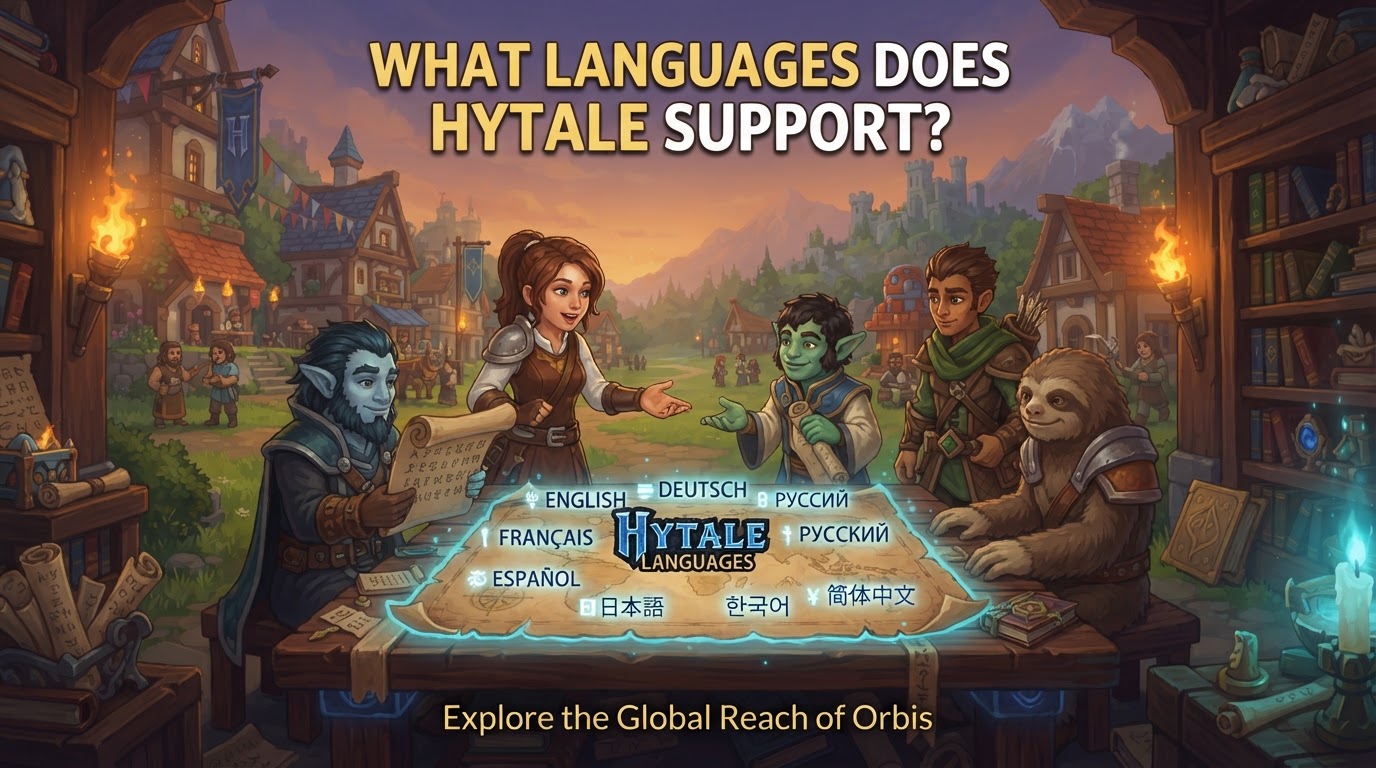
During its Early Access phase, Hytale officially supports English, with a robust strategy in place to expand its language offerings significantly. Hypixel Studios is building Hytale with comprehensive localization in mind, leveraging both internal development and a powerful community-driven translation model to ensure the game is accessible to a global audience.
Official Language Support Roadmap
Hytale’s journey into multilingual support begins with a solid foundation. While English serves as the primary official language during the initial Early Access period, Hypixel Studios has clearly articulated its commitment to a much broader linguistic landscape.
- Early Access Foundation: The game’s initial official release focuses on English, ensuring a stable and well-supported experience as development progresses. This allows the team to refine core gameplay and systems before fully integrating a vast array of languages.
- Planned Major Languages: Developers have confirmed plans to include a suite of major global languages either at the game’s full launch or shortly thereafter. This list is expected to encompass widely spoken languages such as Spanish, French, German, Portuguese, and Russian, alongside various key Asian languages. This commitment reflects a global vision for Hytale’s community.
- Russian Language Integration: As a testament to this commitment, Russian language support has already been officially integrated into Hytale as of a recent development update (Update 3). This demonstrates ongoing progress in expanding official localization beyond English even before the full launch.
- Built for Localization: Hytale’s underlying architecture is designed from the ground up to accommodate multiple languages. This forward-thinking approach means that text, user interface elements, and even modded content can be translated efficiently, laying the groundwork for a truly international game experience.
- Community-Driven Model: A cornerstone of Hytale’s localization strategy is its reliance on community contributions. Through platforms like Crowdin, volunteer translators and proofreaders play a vital role in translating game text, ensuring not only accuracy but also cultural relevance for specific regions. This collaborative ecosystem is crucial for covering a wide range of languages and dialects.
Leveraging Community-Driven Language Packs
Beyond official support, Hytale’s vibrant community plays an indispensable role in expanding the game’s linguistic reach. Even during Early Access, players can access unofficial language packs that provide support for dozens of additional languages, often long before official versions become available.
- Extensive Community Coverage: Community-made language packs significantly broaden Hytale’s accessibility, often supporting over 60 languages. These packs are typically created and maintained by passionate players and translators, filling the gaps where official localization is not yet present.
- Examples of Community Packs: Popular languages like German, French, Spanish, Russian (prior to official integration), Turkish, Swedish, and many others are frequently available through community efforts. These packs allow players to experience Hytale in their native tongue, enhancing immersion and understanding.
- Availability on Modding Platforms: These community language packs are commonly found on established modding platforms such as CurseForge, which serve as central hubs for Hytale modifications and community content. Players can easily browse, download, and install these packs to customize their game experience.
Step-by-Step: Installing Community Language Packs
For players eager to experience Hytale in a language not yet officially supported, installing a community-made language pack is a straightforward process. Follow these steps carefully to integrate your desired language into the game:
- Download the Language Mod: Begin by downloading the desired language pack. These are typically distributed as ZIP files and can be found on Hytale modding websites like CurseForge. Ensure you download from a reputable source to avoid potential issues.
- Access Hytale’s Root Directory:
- Launch the Hytale game launcher.
- Navigate to the “Settings” or “Options” menu within the launcher.
- Look for an option labeled “Open game directory,” “Browse local files,” or similar. Clicking this will open the main installation folder for Hytale.
- Alternatively, you can manually navigate to the Hytale installation path on your computer. Common locations might be within your user’s AppData folder or a custom installation path you chose.
- Extract and Place Language Files:
- Open the ZIP file you downloaded in Step 1 using a file extraction tool (e.g., WinRAR, 7-Zip, or your operating system’s built-in extractor).
- Inside the ZIP, you will typically find a folder named
install, or specific language files/folders. - Copy the contents (the
installfolder or the language-specific files) into the Hytale root directory you opened in Step 2. - Specifically, language files are often placed within the
Client\Data\Shared\Languagefolder inside your Hytale installation. If the mod provides a different structure, follow its specific instructions.
- Confirm File Overwrites (If Prompted): If you are prompted to overwrite existing files, confirm the action. This is normal, as community packs often replace or add to the game’s default language assets.
- Launch or Restart Hytale: Close and then relaunch the Hytale game client. If the game was already running, a restart is necessary for the new language files to be loaded.
- Select In-Game Language: Once Hytale has loaded, navigate to the in-game settings menu.
- Look for a “General” or “Language” section.
- From the list of available languages, select your newly installed language. The game interface should then update to reflect your choice.
Tips, Considerations, and Potential Pitfalls
While community contributions are invaluable, there are several points to keep in mind when dealing with Hytale’s language support, especially regarding unofficial packs.
- Mod Developer Best Practice: For Hytale mod developers, it is a best practice to always use custom files for your own content’s localization. This prevents your translations from being overwritten during game updates and ensures compatibility with official and other community language packs.
- Thorough Testing: After adding any new translations, whether official or community-made, it is highly recommended to test all supported languages. This helps identify any missing translation keys, formatting errors, or display issues early on.
- AI-Assisted Translations: Be aware that some community-made language packs may utilize AI-assisted translation tools. While these can provide quick translations, they might contain inaccuracies, grammatical errors, or lack proper contextual understanding, leading to a less polished experience.
- Font Support Limitations: A significant consideration for certain languages is the current state of Hytale’s font support. Languages such as Arabic, Japanese, Korean, and Simplified Chinese may not display correctly within the game’s interface, even if translation files exist. This is due to a lack of proper font rendering support for these complex character sets. While community packs might offer translations for these languages, they may not be fully functional or visually appealing until official font support is added by Hypixel Studios.
- Uncertainty of Official Language List: The full and final list of officially supported languages at Hytale’s global launch remains subject to change. Hypixel Studios will likely prioritize languages based on player base, regional demand, and development resources.
- Community Pack Longevity: It is possible that some community language packs may be discontinued or become less relevant once official translations for those languages become available. However, community efforts often continue to provide more nuanced or specialized translations.
Hytale’s approach to language support is dynamic and inclusive, blending official development with robust community involvement. While English is the current official standard in Early Access, the future promises a truly global experience, with players having numerous options to enjoy the game in their preferred language.